Implementing Workforce Analytics: A Phased Rollout and Change-Management Guide
A phased plan for rolling out workforce analytics — from basic reporting to predictive insight — with the onboarding steps, governance and change-management practices that earn employee trust.

Workforce analytics succeeds or fails on how it is introduced. The technology is rarely the hard part; the platform installs cleanly, syncs Microsoft 365 metadata, and produces metrics within days. The harder work is earning trust, defining who sees what, and demonstrating that the programme improves working life rather than policing it. This guide sets out a phased approach to implementing WorkforceIntelligence365 (WI365), covering the maturity path, the onboarding sequence, the change-management practices that protect adoption, the pitfalls that derail it, and how to measure whether it is working.
For the broader context on what the platform does and how it computes its metrics, see the complete guide to workforce intelligence.
A maturity path, not a switch
Organisations get the most from workforce analytics when they treat it as a journey through three stages rather than a single deployment. Trying to reach the final stage on day one is the most common way to lose people.
| Stage | Capability | Typical question answered |
|---|---|---|
| Basic reporting | Descriptive metrics: task completion, on-time delivery, meeting hours, focus time | What is happening across teams? |
| Predictive insight | Burnout risk scoring, productivity trends, meeting-load thresholds | Where is pressure building? |
| Prescriptive guidance | Workload rebalancing suggestions, department-tuned KPIs, targeted intervention | What should we do about it, and for whom? |
In the basic reporting stage, the priority is data quality and shared vocabulary. Let managers and staff see descriptive dashboards, agree on what the numbers mean, and surface any sync or org-structure gaps before any judgement is attached to the figures.
The predictive stage introduces burnout scoring. WI365 uses an explainable logistic-regression model by default, with coefficients you can configure and version, precisely so HR can defend the result and a human can interpret it. This is the point where governance must already be in place, because the platform is now estimating risk, not just reporting facts.
The prescriptive stage turns insight into action: redistributing active tasks from overloaded to underloaded team members, tuning composite-score weights per department, and prompting managers to act early. Reaching this stage credibly depends on having built trust in the two that precede it.
Onboarding: from consent to first sync
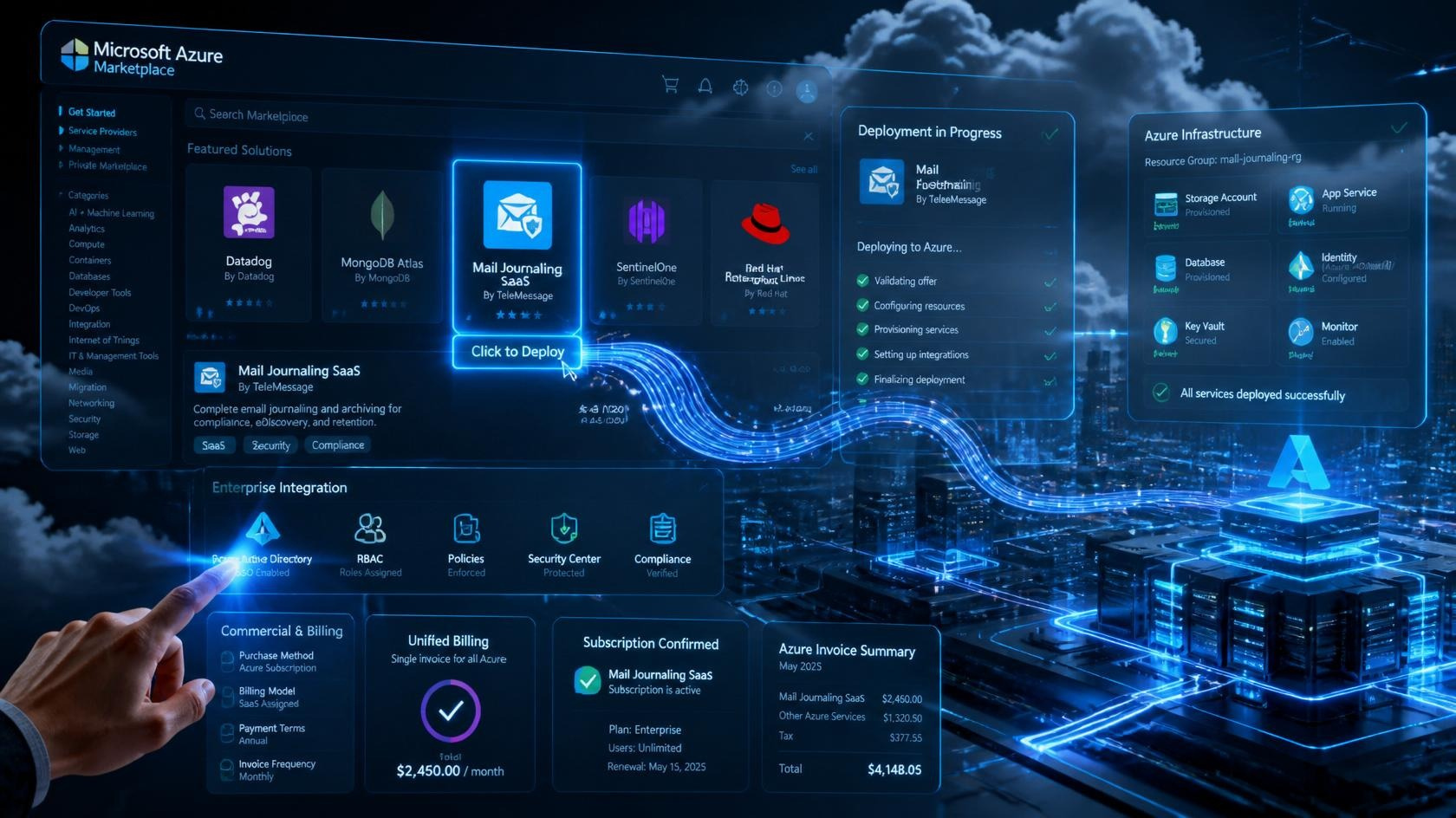
Technical onboarding is straightforward and follows a defined sequence. Because WI365 deploys as an Azure Marketplace Managed Application into your own subscription, much of this is one-time setup; the Azure Marketplace deployment guide covers the infrastructure side in detail.
- Tenant-admin consent. WI365 authenticates app-only via certificate or managed identity and requests least-privilege Microsoft Graph scopes only: Directory.Read.All, User.Read.All, Group.Read.All, Tasks.Read.All and Calendars.ReadBasic.All. It never requests Mail.Read or Chat.Read. A tenant administrator grants consent once.
- User sync from Azure AD. The Authorization service pulls your org structure (display name, email, department, job title, manager hierarchy, office) into the appuser table by delta query, roughly every 30 minutes. This service is the single source of truth for identity.
- Enable productivity-sync licensing per user. Identity sync does not mean every person is analysed. Administrators explicitly enable productivity sync per user, which is the mechanism that controls who is included and, in turn, what is metered for billing.
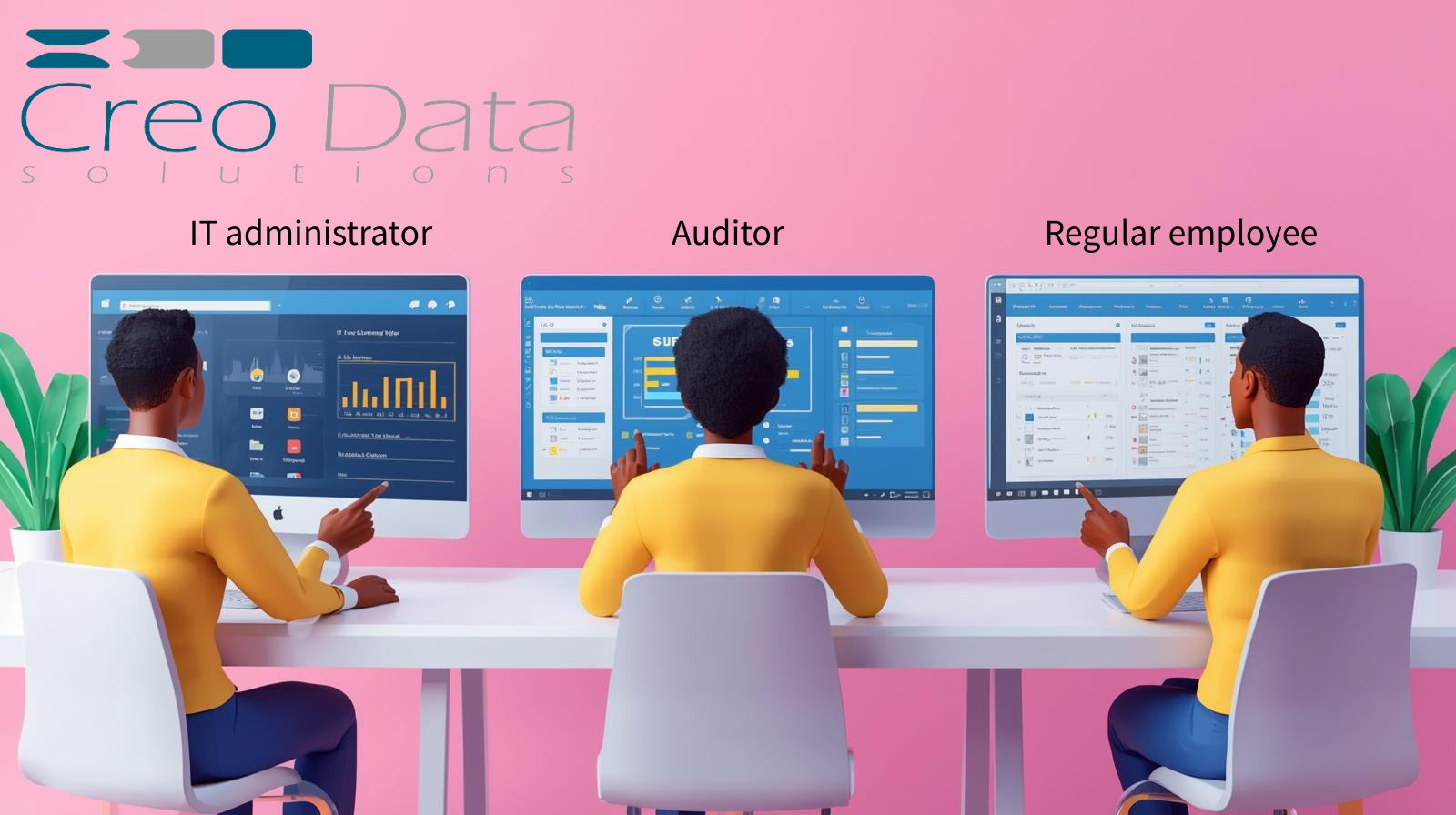
- Assign roles. Map people to the five seeded roles — SystemAdmin, HRAdmin, LineManager, Executive and Staff — so visibility is correct before any data is exposed. Get this right early; the role-based access control guide explains how visibility is enforced at the query level and in middleware.
- Run the first sync. The ProductivitySync durable orchestrator (every 15 minutes in production) ingests Planner tasks and calendar event metadata incrementally using delta tokens, with each run audited in the sync log. The first full week produces the first weekly productivity snapshot and the first burnout scoring run.
Most organisations are technically live within a week. Resist the temptation to broadcast dashboards the moment data appears; the change-management work below should run in parallel and, in places, ahead of the technical rollout.
Change management: the work that protects adoption
Be explicit about what is and is not tracked
The single most important communication you will send is the one that defines the boundary. State plainly that WI365 analyses metadata only — Planner task records and calendar event timings, organisers and durations — and that it does not read email or chat content, meeting recordings, document contents, keystrokes, screens or browsing history. Naming the Graph scopes the platform uses, and the ones it deliberately does not, turns an abstract reassurance into a verifiable fact. The distinction between this and surveillance tooling is worth setting out directly; see employee monitoring versus workforce analytics.
Give staff access to their own metrics
Transparency is a product feature, not just a policy. Every member of staff can see their own metrics through the Staff role. Switching this on from the start changes the relationship: the data is something people can use to understand their own week, not something done to them in the dark. It also lets individuals catch data-quality issues that managers would never spot.
Stand up a governance and oversight committee
Before predictive scoring goes live, convene a small cross-functional group — HR, IT, a data-protection lead, and ideally employee or union representation — to own the programme's ethics. This committee sets retention windows (the default is 730 days, and tenant settings make it configurable), reviews how burnout scores are used, signs off department KPI weightings, and acts as the escalation point if anyone feels the data is being misused. Treat this as the governance framework the product supports rather than a compliance certificate.
Complete a DPIA
Workforce analytics that estimates wellbeing risk warrants a Data Protection Impact Assessment. WI365 is designed to support one: metadata-only ingestion, role-scoped visibility, configurable retention, a full audit log recording who saw what and when, and human-in-the-loop review of every burnout score. Document your lawful basis (typically legitimate interest), your safeguards and your retention decisions. The privacy and governance guide walks through the controls in depth.
Common pitfalls
- Surveillance perception. This is the default fear, and silence confirms it. Counter it with the metadata-only message, staff self-access, and visible governance — repeatedly, not once.
- Punitive use. Burnout probability is visible to HR administrators only; line managers see the factor breakdown but not the raw score; executives do not see burnout at all. Human review is mandatory and no automated disciplinary action is taken. If a manager uses the data to discipline rather than support, the programme is finished regardless of the technology. Make non-punitive use an explicit, enforced policy.
- Ranking and league tables. Do not publish individual leaderboards. Composite scores are weighted per department precisely so a meeting-heavy function such as HR is not unfairly penalised against an engineering team; cross-team ranking misreads the metric. The platform deliberately avoids published rankings, and so should you.
Measuring success
Judge the programme by outcomes, not by dashboard usage. Useful signals include:
- Wellbeing leading indicators: reduction in sustained meeting-load overload (above the 50% threshold), fewer people trending towards high burnout risk week on week, and lower after-hours meeting hours.
- Workload balance: narrower spread between the most and least loaded team members after rebalancing suggestions are acted on.
- Delivery health: improved on-time delivery and shrinking overdue backlog, viewed alongside wellbeing so gains are not made at the cost of pressure.
- Trust: staff self-service engagement, the volume and tone of feedback, and the absence of grievances about misuse.
A healthy implementation shows wellbeing and delivery metrics improving together. If delivery rises while burnout risk climbs, the programme is being used to push harder rather than to work smarter, and the governance committee should intervene.
Frequently asked questions
How long does it take to implement WorkforceIntelligence365?
Technical onboarding — admin consent, Azure AD user sync, enabling per-user productivity licensing, role assignment and the first sync — is typically complete within a week, with the first weekly snapshot and burnout scoring run arriving after the first full week of data. The change-management work runs alongside and should not be rushed; transparent communication, governance and a DPIA take longer than the technology and matter more to long-term adoption.
Will staff feel they are being monitored?
That depends almost entirely on how you introduce it. WI365 analyses metadata only and never reads message content, recordings, documents, keystrokes or screens, and every staff member can see their own metrics. Combined with role-scoped visibility, mandatory human review of burnout scores and a no-discipline policy, the platform is built to be transparent rather than covert — but you have to communicate that clearly and back it with governance.
Do we need a DPIA before going live?
For any deployment that includes predictive burnout scoring, a DPIA is strongly advised, and the platform is designed to support one. WI365 provides metadata-only ingestion, configurable retention, a comprehensive audit log and human-in-the-loop review, which give you the evidence a DPIA requires. Document your lawful basis and safeguards before enabling predictive features, and have your oversight committee sign them off.
Ready to plan a rollout? Book a demo or talk to our team about a phased implementation for your organisation.