What Is Workforce Analytics? A Metadata-Driven Guide for HR and Leadership
Workforce analytics explained: what it is, how it differs from surveillance, the metadata it uses, the questions it answers, and how a Microsoft 365-native platform turns everyday work signals into ethical insight.
Workforce analytics, sometimes called people analytics, is the practice of using operational data about how work actually happens to understand productivity, workload and wellbeing across an organisation. Done well, it gives HR leaders, people-analytics teams and executives an evidence base for decisions that were previously made on instinct: where output is strong, where teams are buried in meetings, where workload is unbalanced and where individuals may be heading towards burnout.
This guide defines workforce analytics for a leadership audience, sets out the maturity ladder organisations climb, and draws the single most important distinction in the field today: the difference between analysing metadata and reading content. It then shows how WorkforceIntelligence365 (WI365) embodies a measured, metadata-only approach. For the full picture across the discipline, see our complete guide to workforce intelligence.
A working definition
Workforce analytics turns the everyday signals of work into structured insight. Rather than asking managers to estimate how busy their teams are, it measures observable patterns: tasks completed and overdue, hours spent in meetings, the shape of the working week, and how workload shifts over time. The aim is not to score individuals for their own sake, but to give leaders a shared, defensible view of organisational health.
Crucially, modern workforce analytics is descriptive of behaviour at the level of work patterns, not the level of what people say or write. It answers questions about how much and when, not what.
The maturity ladder: descriptive, predictive, prescriptive
Most organisations progress through three stages of analytical maturity.
| Stage | Question it answers | Example in practice |
|---|---|---|
| Descriptive | What is happening? | Last week, the Engineering team spent 38% of working hours in meetings and completed 71% of due tasks on time. |
| Predictive | What is likely to happen? | Based on rising overdue ratios and after-hours load, this team's burnout risk is trending upward. |
| Prescriptive | What should we do about it? | Workload is concentrated on three people; redistributing active tasks would rebalance the team. |
Descriptive analytics is the foundation, and many organisations never move beyond it. Predictive analytics adds foresight, for example by modelling the likelihood of burnout from leading indicators. Prescriptive analytics goes one step further by suggesting an action, such as redistributing tasks from an overloaded colleague. The further up the ladder you go, the greater the responsibility to keep the reasoning transparent and to keep a human in the loop.
Metadata versus content: the line that matters
The defining choice in any workforce analytics programme is what data it touches. There are two very different approaches.
- Content-based monitoring reads the substance of work: email bodies, chat and Teams messages, meeting recordings, document contents, keystrokes, screen activity or browsing history. This is intrusive, corrosive of trust, and difficult to justify under data-protection law.
- Metadata-based analytics uses only the structural facts about work: that a task exists, its priority and due date; that a meeting ran from 14:00 to 15:00 with a given organiser; that a person reports to a particular manager. It never opens the message, the document or the recording.
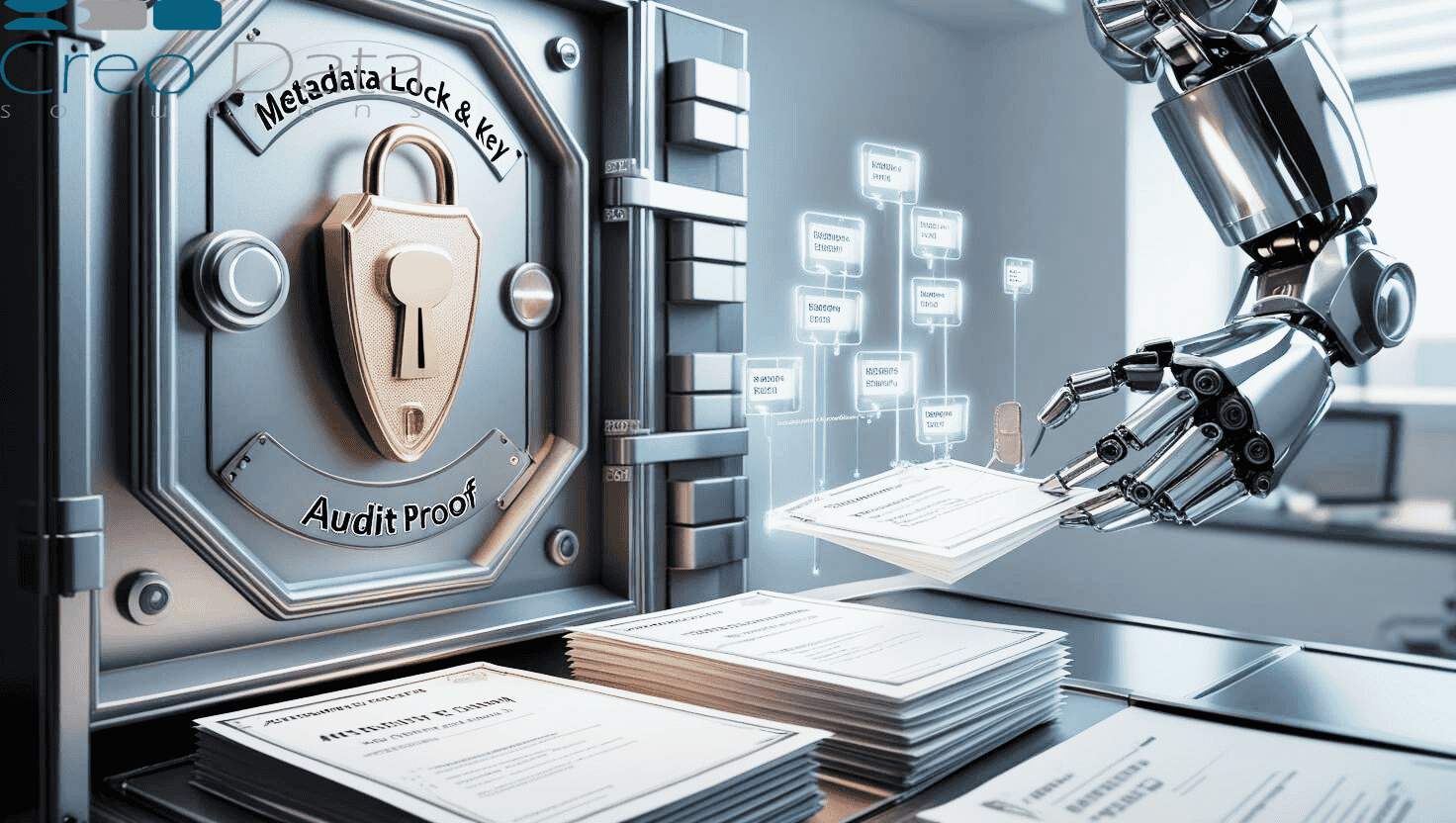
WorkforceIntelligence365 is firmly in the second category. It analyses metadata only and never reads email or chat content, recordings, documents, keystrokes or screens. That single design decision is what separates legitimate analytics from surveillance, and it is the foundation for everything else. We explore this contrast in depth in employee monitoring versus workforce analytics.
Where the data comes from
For organisations running on Microsoft 365, the metadata needed for meaningful analytics already exists. WorkforceIntelligence365 ingests three sources through Microsoft Graph, using least-privilege scopes and app-only authentication with tenant-admin consent:
- Microsoft Planner — plans and tasks, including title, priority, weight, status, and created, due and completed dates. This is the basis for productivity and on-time delivery metrics.
- Outlook and Teams calendars — meeting event metadata only: start and end times (which yield duration), organiser, recurrence, all-day and cancelled flags. This drives meeting-load and focus-time analysis. It does not request mailbox or chat scopes.
- Azure AD organisation structure — display name, email, department, job title, manager and office. This provides the reporting hierarchy that lets analytics roll up correctly and lets visibility be scoped to the right people.
The platform requests only the Graph scopes it needs (such as Directory.Read.All, Tasks.Read.All and Calendars.ReadBasic.All) and never requests permission to read mail or chat. The richer subject of how this data is sourced responsibly is covered in working with Microsoft Graph workforce data.
The questions workforce analytics answers
Once metadata is structured and aggregated, leadership can finally answer questions that previously relied on guesswork:
- Where is output strong or weak? Task completion rates, on-time delivery and a weighted task score (so strategic work counts more than trivial tickets) reveal where delivery is healthy. See measuring employee productivity in Microsoft 365.
- Who is buried in meetings? Meeting hours, after-hours load and a meeting-load index show where calendars have crowded out focus time, with thresholds distinguishing healthy from overload-risk patterns.
- Where is workload unbalanced? Comparing active and weighted task loads identifies overloaded and underloaded team members, so managers can rebalance before something breaks.
- Who is at risk of burnout? Leading indicators such as overdue ratio, meeting load, after-hours work and workload change feed an explainable model that flags risk early, while keeping the result visible only to the right roles.
This is not surveillance
The most important framing for any leadership team is also the simplest: legitimate workforce analytics is not surveillance. The distinction rests on a small number of principles that WorkforceIntelligence365 is designed around.
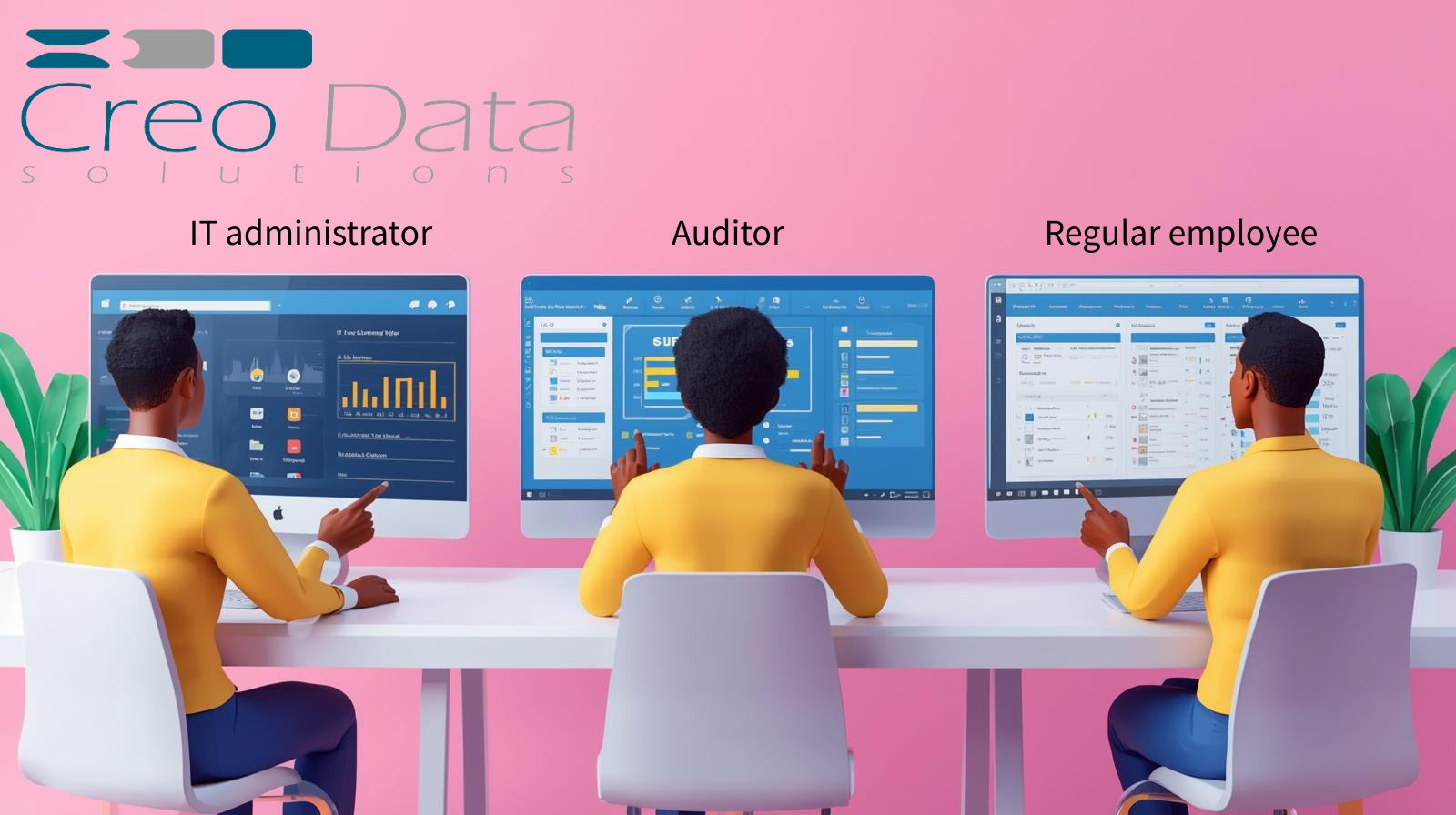
It uses metadata only, never content. It is transparent to staff, who can see their own metrics. Visibility is role-based, so a line manager sees their direct reports' patterns but not the whole organisation, and burnout probability is restricted to HR administrators. There are no published rankings, no automated disciplinary action, and human review is mandatory before any sensitive insight is acted upon. Data retention is configurable, and the platform is designed to support a Data Protection Impact Assessment.
These are governance principles the product is built to support, not certifications, and they should sit inside your own oversight framework. But they are what allow workforce analytics to improve wellbeing rather than erode it.
How WorkforceIntelligence365 embodies this
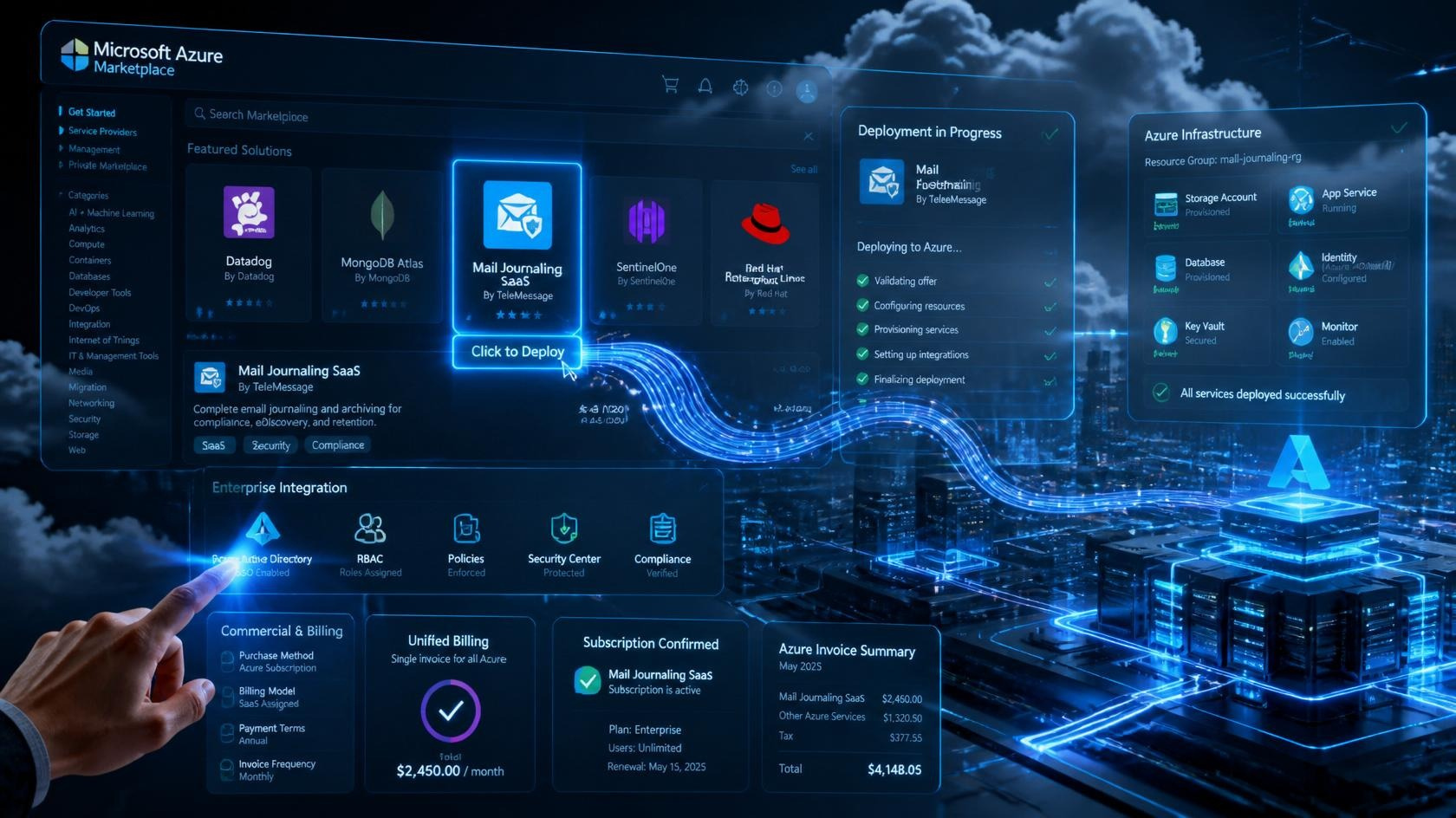
WorkforceIntelligence365 is an Azure cloud-first, metadata-driven platform that brings these ideas together in one place. It synchronises Microsoft 365 metadata on a regular schedule, computes weekly productivity and meeting-load metrics with department-configurable weightings, predicts burnout risk with an explainable logistic-regression model, and surfaces everything through a role-scoped portal. It runs as an Azure Marketplace managed application or on-premises, and is proven at enterprise scale (thousands of users across multiple tenants).
The result is descriptive, predictive and, where appropriate, prescriptive insight, delivered without ever crossing the line into content. You can learn more on the product page, explore the external product website, or book a demo to see the portal with your own metadata.
Frequently asked questions
What is the difference between workforce analytics and employee monitoring?
Employee monitoring typically inspects the content of work, such as messages, documents, keystrokes or screens, to watch what individuals are doing. Workforce analytics, as WorkforceIntelligence365 practises it, uses metadata only, such as task status and meeting duration, to understand work patterns at team and organisational level. The first tends to damage trust and raise legal risk; the second supports productivity and wellbeing within a clear governance framework.
Does workforce analytics read employee emails or messages?
Not when it is built responsibly. WorkforceIntelligence365 analyses metadata only and never reads email bodies, chat or Teams messages, meeting recordings, document contents, keystrokes or browsing history. It requests only the least-privilege Microsoft Graph scopes it needs and never asks for mailbox or chat permissions.
What data sources does workforce analytics typically use?
For Microsoft 365 organisations, the core sources are Microsoft Planner tasks, Outlook and Teams calendar metadata, and the Azure AD organisation structure. WorkforceIntelligence365 draws on all three through Microsoft Graph to compute productivity, meeting-load, workload and burnout-risk insight, while keeping strictly to structural metadata rather than content.