Microsoft Graph for Workforce Data: Delta Sync, Least Privilege, Metadata Only
How a workforce analytics platform should pull Microsoft 365 data — the Graph endpoints and least-privilege scopes, why metadata-only access matters, and the delta-sync engine that keeps it incremental and resilient.

Any workforce analytics platform is only as trustworthy as the way it reads data. Read too much, and you have built surveillance. Read carelessly, and you have built a fragile integration that throttles, drifts out of date, or quietly loses records. WorkforceIntelligence365 (WI365) takes a deliberate position on both questions: it ingests only Microsoft 365 metadata through Microsoft Graph, using the narrowest practical set of permissions, and it keeps that data current through an incremental sync engine built for enterprise scale.
This article explains how that ingestion works in practice — the surfaces it reads, the permission model, the authentication approach, and the sync engine that ties it together. If you want the wider picture of how this data becomes productivity and burnout insight, start with the complete guide to workforce intelligence. You can also see how the ingestion sits within the broader platform on the WorkforceIntelligence365 product page.
What WI365 reads from Microsoft Graph
WI365 ingests four categories of metadata, each from a defined Graph surface. Crucially, none of it includes the content of anyone's communications.
| Source | What is read | Graph surface |
|---|---|---|
| Org structure | Display name, email, department, job title, manager, office | Users (Azure AD) |
| Department mapping | Microsoft 365 Groups mapped to departments | Groups |
| Task activity | Plans and tasks — title, priority, weight, status, created/due/completed dates | Microsoft Planner |
| Meeting load | Event metadata — start/end (duration), organiser, recurrence, all-day and cancelled flags | Outlook / Teams calendar |
Users and org structure
The Authorisation service is the single source of truth for identity. It synchronises Azure AD into the platform's appuser table using a delta query roughly every 30 minutes, capturing the reporting hierarchy that role-based visibility depends on. This is also where licensing is controlled: the Authorisation service determines which users are enabled for productivity sync, so the rest of the pipeline never touches people who are out of scope.
Groups for department mapping
Planner is group-backed, so Microsoft 365 Groups are read to map plans and tasks back to departments. This matters because productivity weighting in WI365 is configurable per department — an analysis that depends on knowing, accurately, which team a plan belongs to.
Planner tasks
From Microsoft Planner, WI365 reads plan and task metadata: title, priority, weight, status, and the created, due and completed dates. These feed the task-completion, on-time-delivery and weighted-output measures that sit at the core of the productivity measurement model. The platform reads task attributes, not the substance of any work product.
Calendar events
From Outlook and Teams calendars, WI365 reads event metadata only: start and end times (which yield duration), the organiser, recurrence pattern, and the all-day and cancelled flags. From these it derives meeting hours, after-hours load and remaining focus time. It does not read meeting bodies, attachments, message content or, critically, any recording or transcript.
Least privilege: the scopes WI365 requests, and the ones it never does
Permission scope is where good intentions become enforceable. WI365 requests five read-only application scopes, and no more:
Directory.Read.All— org structure and reporting hierarchyUser.Read.All— user profile attributesGroup.Read.All— Microsoft 365 Groups for department mappingTasks.Read.All— Planner plans and tasksCalendars.ReadBasic.All— basic calendar event metadata
The choice of Calendars.ReadBasic.All rather than the fuller Calendars.Read scope is deliberate: the basic scope returns the timing metadata WI365 needs without exposing subject lines, bodies or attendee detail beyond what load analysis requires.
Just as important is what is absent. WI365 never requests Mail.Read or Chat.Read. It cannot read email bodies, Teams or chat messages, meeting recordings, document contents, keystrokes, screen activity or browsing history — because the consent it asks for does not grant access to any of them. A tenant administrator can confirm this directly in the Azure portal: the permissions WI365 holds are visible and auditable, and they stop firmly at metadata.
This is the technical foundation of a broader principle. The difference between analytics and surveillance is not a marketing claim; it is a permission grant. We explore that distinction in detail in employee monitoring versus workforce analytics, and the wider controls in workforce analytics privacy and governance.
Authentication: app-only, certificate or managed identity, admin consent
WI365 authenticates to Microsoft Graph using app-only authentication — there is no user in the loop signing in, and no delegated permissions riding on an individual's session. The application authenticates with its own identity, secured by a certificate or, in Azure deployments, a managed identity, so no secret needs to be stored or rotated by hand.
Before any of this works, a tenant administrator must grant admin consent to the requested scopes. That single, transparent step is the gate: until an administrator with tenant-wide authority reviews and approves the exact permission set above, WI365 reads nothing. Consent can be reviewed or revoked at any time from the tenant, which keeps control firmly with the customer.
The sync engine: incremental, idempotent and audited
Reading the data once is straightforward. Keeping a multi-thousand-user tenant accurately in sync, every fifteen minutes, without re-pulling everything or tripping Graph's throttling limits, is the engineering problem WI365's ProductivitySyncFunctionApp is built to solve.
Durable Functions on a timer
The sync runs as an Azure Durable Functions orchestrator on a 15-minute production timer. The orchestrator fans out across batches of users, which lets the workload scale horizontally rather than crawling through a single long-running loop — the same pattern that lets the platform run at enterprise scale across thousands of users.
Delta tokens for incremental sync
WI365 does not re-pull the world on every run. It persists Graph delta tokens (in graph_delta_tokens) for incremental sync, so each cycle asks Graph only what has changed since the last token. The first sync establishes a baseline; every subsequent sync is incremental. This keeps Graph traffic low, sync cycles fast and the platform a good tenant on the API.
Idempotent upserts and soft-delete
Every write is an idempotent upsert (ON CONFLICT DO UPDATE), so re-processing the same change twice — which distributed systems inevitably do — produces the same result rather than duplicates. When Graph reports an item as removed (the @removed marker on a delta response), WI365 applies a soft-delete, preserving history and auditability rather than hard-deleting records.
Retry, backoff and respecting throttling
Graph throttles, and a well-behaved client expects that. WI365 uses Polly retry with exponential backoff and honours Graph's 429 and 503 responses and their Retry-After headers, backing off for exactly as long as Graph asks rather than hammering the API. This is what keeps sync reliable under load instead of cascading into failures.
An audit log of every run
Every sync run is recorded in graph_sync_log — records processed, failures and final status. That gives administrators a defensible, queryable history of exactly what the platform did and when, which matters for both operational troubleshooting and governance review.
How this fits the deployment model
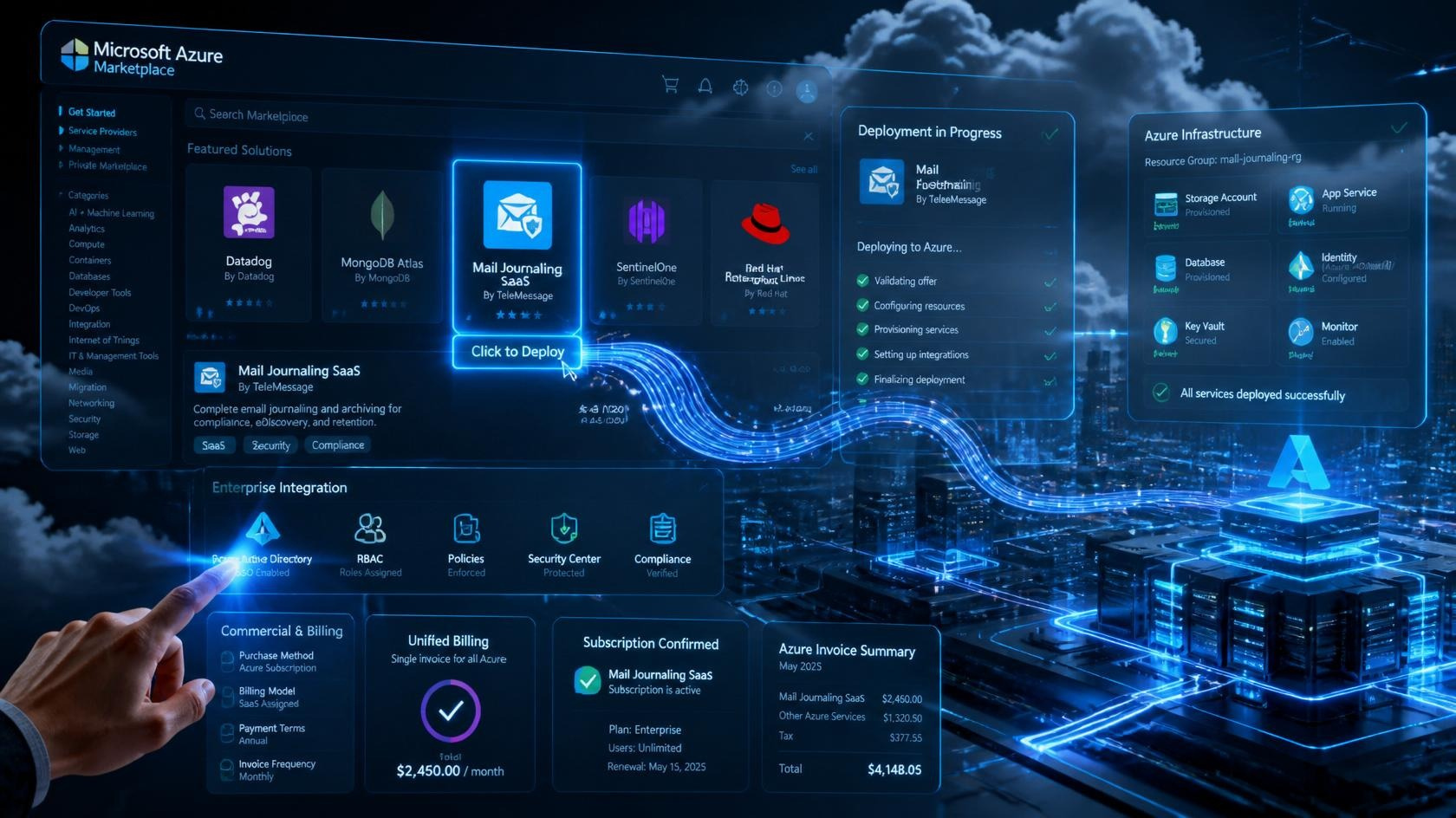
Because WI365 deploys as an Azure Marketplace Managed Application into the customer's own subscription, the Graph integration runs inside the customer's tenant boundary, authenticating with an identity the customer controls and consents to. The data is held in a PostgreSQL store provisioned within that managed application rather than in a shared multi-tenant database. For the full picture of how this is provisioned, see deploying workforce analytics on the Azure Marketplace. To discuss your own tenant, you can book a demo or talk to our team.
Frequently asked questions
Can WI365 read our employees' emails or Teams messages?
No. WI365 requests only Directory.Read.All, User.Read.All, Group.Read.All, Tasks.Read.All and Calendars.ReadBasic.All. It never requests Mail.Read or Chat.Read, so it has no access to email bodies, chat or Teams messages, meeting recordings or document contents. A tenant administrator can verify the exact granted permissions in the Azure portal at any time.
How often does WI365 sync data from Microsoft Graph?
The productivity sync engine runs as an Azure Durable Functions orchestrator on a 15-minute timer in production, while the Authorisation service synchronises org structure from Azure AD roughly every 30 minutes. Both use delta queries, so each run processes only what has changed rather than re-pulling all data.
What happens when Microsoft Graph throttles the connection?
WI365 is built to expect throttling. It uses Polly retry with exponential backoff and respects Graph's 429 and 503 responses along with their Retry-After headers, pausing for exactly as long as Graph requests. Every run is recorded in the graph_sync_log audit table, so administrators can see precisely how each sync cycle behaved.
Does WI365 store a copy of our data outside our tenant?
WI365 deploys as a managed application into your own Azure subscription, so the Graph integration and its PostgreSQL data store run inside your tenant boundary on infrastructure you control. Identity and consent remain with your tenant administrators, and access can be reviewed or revoked at any time.