Predicting Employee Burnout with Workforce Analytics
How leading indicators in everyday work metadata can flag burnout risk early — the features that drive the model, how risk levels are assigned, and the ethical guardrails that keep scoring fair and private.

Burnout rarely arrives without warning. In the weeks before someone disengages, takes extended leave, or resigns, the signals are usually present in how work actually happens: tasks slipping past their due dates, calendars filling with meetings, work bleeding into evenings and weekends. The difficulty for HR and people-analytics teams has never been a lack of signals. It is that those signals sit scattered across systems, are noticed only anecdotally, and are often spotted too late to act on.
WorkforceIntelligence365 (WI365) addresses this by turning the operational metadata you already hold in Microsoft 365 into an early, explainable read on burnout risk. It computes a weekly burnout score for each licensed user, expresses it as a probability and a clear risk band, and surfaces it through strict role-based controls so the right people can intervene at the right time. Crucially, it works from metadata only — task and calendar signals — and never reads message content. For the wider context of how this fits into a workforce-analytics programme, see the complete guide to WorkforceIntelligence365.
The leading indicators of burnout
WI365 does not try to read minds or sentiment. It models burnout from observable patterns in workload and working rhythm — the kinds of pressure that, sustained over time, are associated with exhaustion and disengagement. The model uses five features, each derived from Microsoft Planner task metadata and Outlook/Teams calendar event metadata:
| Feature | What it captures |
|---|---|
| Overdue ratio | The share of a person's tasks that are slipping past their due dates — a sign that demand is outpacing capacity. |
| Meeting hours | Total weekly meeting load, which erodes the focus time available for substantive work. |
| After-hours ratio | The proportion of meeting activity falling in the evening (from 18:00) or at weekends, indicating work spilling beyond normal hours. |
| Productivity trend | The direction of someone's composite productivity score over recent weeks; a sustained decline can signal strain rather than under-performance. |
| Workload change | How sharply a person's workload has shifted, since abrupt increases are a recognised stressor. |
No single feature is decisive. A busy week of meetings is normal; a busy week of meetings combined with a rising overdue ratio, persistent after-hours activity and a falling productivity trend is the pattern worth attention. The model exists to weigh these signals together, consistently, for everyone. The meeting-load and focus-time signals that feed two of these features are explored in more depth in our piece on meeting load and focus-time analytics.
Weekly scoring
Burnout scoring runs as a weekly job inside a dedicated microservice. It draws on the same continuously synced data that powers WI365's productivity and meeting analytics — Microsoft Graph metadata pulled incrementally every fifteen minutes — so the features it reads reflect the most recent complete week of activity.
A weekly cadence is deliberate. Burnout is a trend phenomenon, not a daily fluctuation, and weekly scoring smooths out the noise of any single busy day while still being timely enough to support a meaningful conversation before pressure becomes entrenched. Each run is recorded and auditable, so you always know which scores were produced, when, and from what data.
The output: probability and risk levels
For each user, the model produces a burnout probability between 0 and 1, which is then mapped to a risk level for easy interpretation:
| Risk level | Probability range |
|---|---|
| Low | 0 – 0.4 |
| Moderate | 0.4 – 0.7 |
| High | 0.7+ |
The risk band is what most people work with day to day, because it translates a continuous score into a clear, actionable signal: who is comfortable, who is under sustained pressure, and who needs attention now. The underlying probability is reserved for those with the authority and responsibility to act on it, as the governance section below explains.
An explainable model by default
The default scoring model in WI365 is a logistic regression computed directly in SQL. This is a deliberate choice, not a limitation. Logistic regression is transparent: every feature contributes a known, inspectable weight, so a score can always be traced back to the factors that drove it. The model's coefficients live in configuration, are tenant-overridable, and are versioned by effective date, so you can tune the model to your organisation and keep a clear record of how it has changed over time.
That transparency matters most in HR decisions, where a defensible, explainable basis is essential and a black-box prediction is a liability. WI365 does not ship a neural network or gradient-boosted model as its default; an Azure ML endpoint is available as an optional backend for organisations that want it, but the standard, recommended model is the explainable one. We have written separately on why explainability is non-negotiable in this context — see explainable AI for HR analytics for the full argument and the trade-offs involved.
Ethical guardrails
A burnout signal is sensitive information, and how it is handled determines whether it builds trust or erodes it. WI365 enforces a set of guardrails at the query and middleware level, backed by policy:
- Burnout probability is visible to HR administrators only. The raw score is not a general dashboard metric.
- Line managers see the factor breakdown, not the raw probability. A manager can understand why a team member may be under pressure — the contributing factors such as overdue work or after-hours load — without being handed a single decontextualised number.
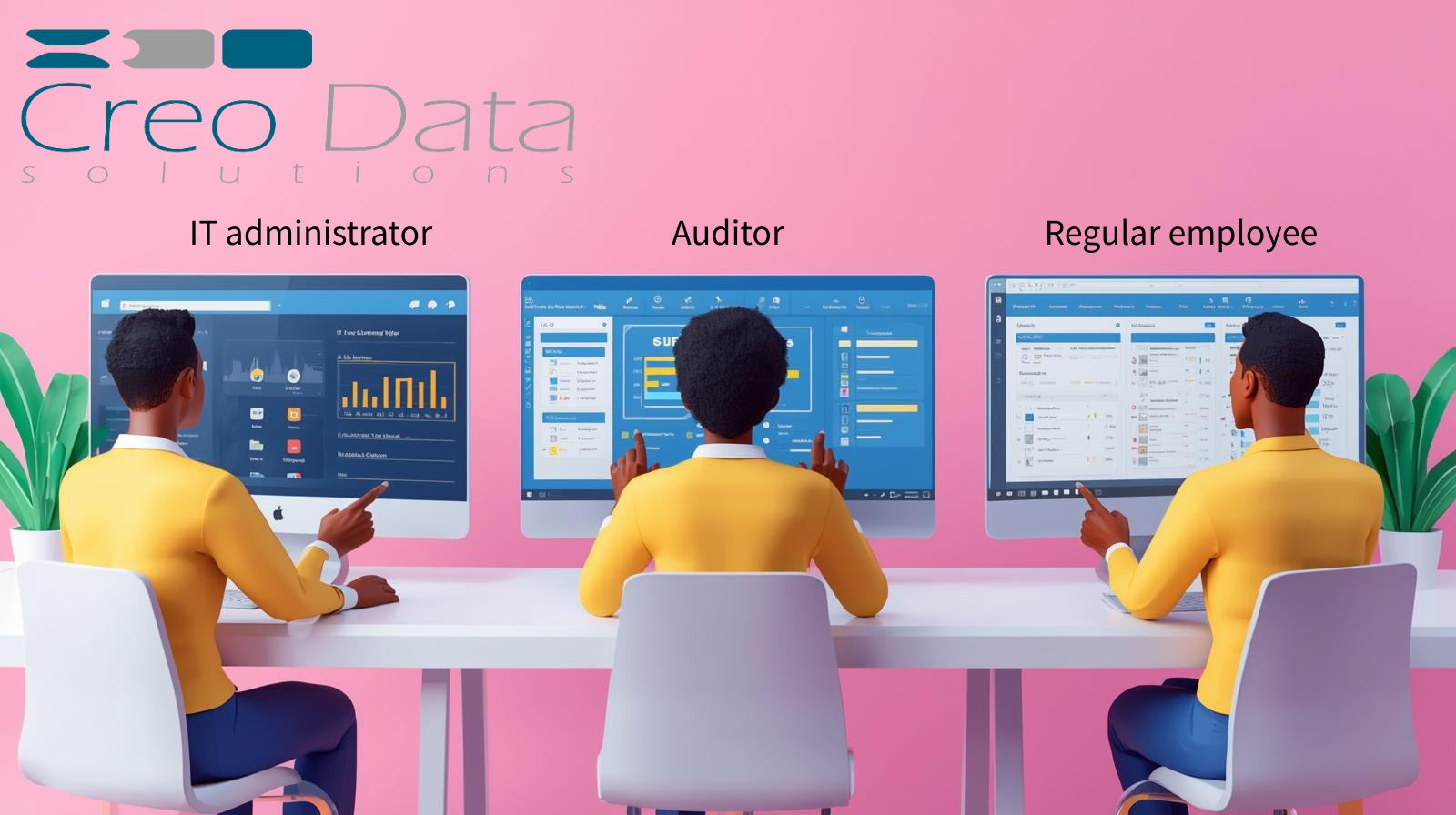
- Executives do not see burnout at all. Their view is limited to department-level aggregates of productivity and workload.
- Scores are never shown to peers, and there are no published rankings or leaderboards.
- Human-in-the-loop review is mandatory. A score is a prompt for a conversation, never a verdict.
- No automated disciplinary action. The system does not, and is not designed to, trigger consequences off the back of a score.
These controls reflect a wider governance posture: metadata only, transparency to staff, configurable data retention, and a legitimate-interest basis with DPIA-readiness. WI365 is built to support wellbeing, not to surveil. For the full framework, see workforce analytics privacy and governance.
From prediction to proactive intervention
The point of predicting burnout is to act before it becomes attrition. A weekly, explainable risk read gives HR and managers a structured way to do that. An HR administrator reviewing the cohort can identify who has moved into the Moderate or High band and, because the model is transparent, see immediately whether the driver is meeting overload, an unsustainable after-hours pattern, or a workload spike. That context turns a check-in from a vague "how are you doing?" into a specific conversation about real, fixable pressures — rebalancing tasks, protecting focus time, or revisiting meeting commitments.
This is also where burnout scoring connects to WI365's workload analytics, which highlight overloaded team members and suggest redistribution. Prediction tells you who is at risk; workload distribution and rebalancing often tell you what to do about it. Used together, and reviewed by people rather than acted on by machines, they shift the organisation from reacting to resignations toward preventing them. We explore the link between these signals and retention outcomes in reducing employee turnover with burnout data.
To see burnout scoring, the role-based controls, and the underlying analytics in one place, visit the WorkforceIntelligence365 product page or book a demo.
Frequently asked questions
Does WI365 read emails or chat messages to predict burnout?
No. The burnout model uses metadata only — Microsoft Planner task data and Outlook/Teams calendar event metadata such as start and end times. WI365 never requests permission to read email bodies, Teams or chat messages, meeting recordings, documents, keystrokes, or screen activity, and its Microsoft Graph scopes are limited accordingly. The prediction is built entirely from how work is scheduled and completed, not from what is said.
Can a manager see an employee's burnout probability?
No. Line managers can see the factor breakdown that explains a team member's risk — for example, a high overdue ratio or sustained after-hours meeting load — but not the raw burnout probability. The probability itself is visible only to HR administrators. This separation lets managers act on the underlying causes without reducing a person to a single number.
What model does WI365 use, and is it explainable?
The default model is a logistic regression computed in SQL, chosen specifically for its explainability and defensibility in HR contexts. Every feature carries a known, inspectable weight, and the coefficients are configurable, tenant-overridable, and versioned by effective date. An Azure ML endpoint is available as an optional backend, but the standard, recommended configuration is the transparent logistic-regression model.
How often are burnout scores updated?
Burnout scoring runs weekly, drawing on Microsoft 365 metadata that WI365 syncs incrementally roughly every fifteen minutes. A weekly cadence reflects the fact that burnout is a trend that develops over time, smoothing out single-day spikes while remaining timely enough to support early intervention. Each scoring run is recorded and auditable.