The Workplace-Banking Loan Workflow: Stages, Roles and Decision Gates
A walkthrough of the multi-stage workplace-banking loan workflow — every stage, the role that owns it, the decision gates (forward, return, decline, approve, refer), and how new loans, top-ups and buy-offs branch.
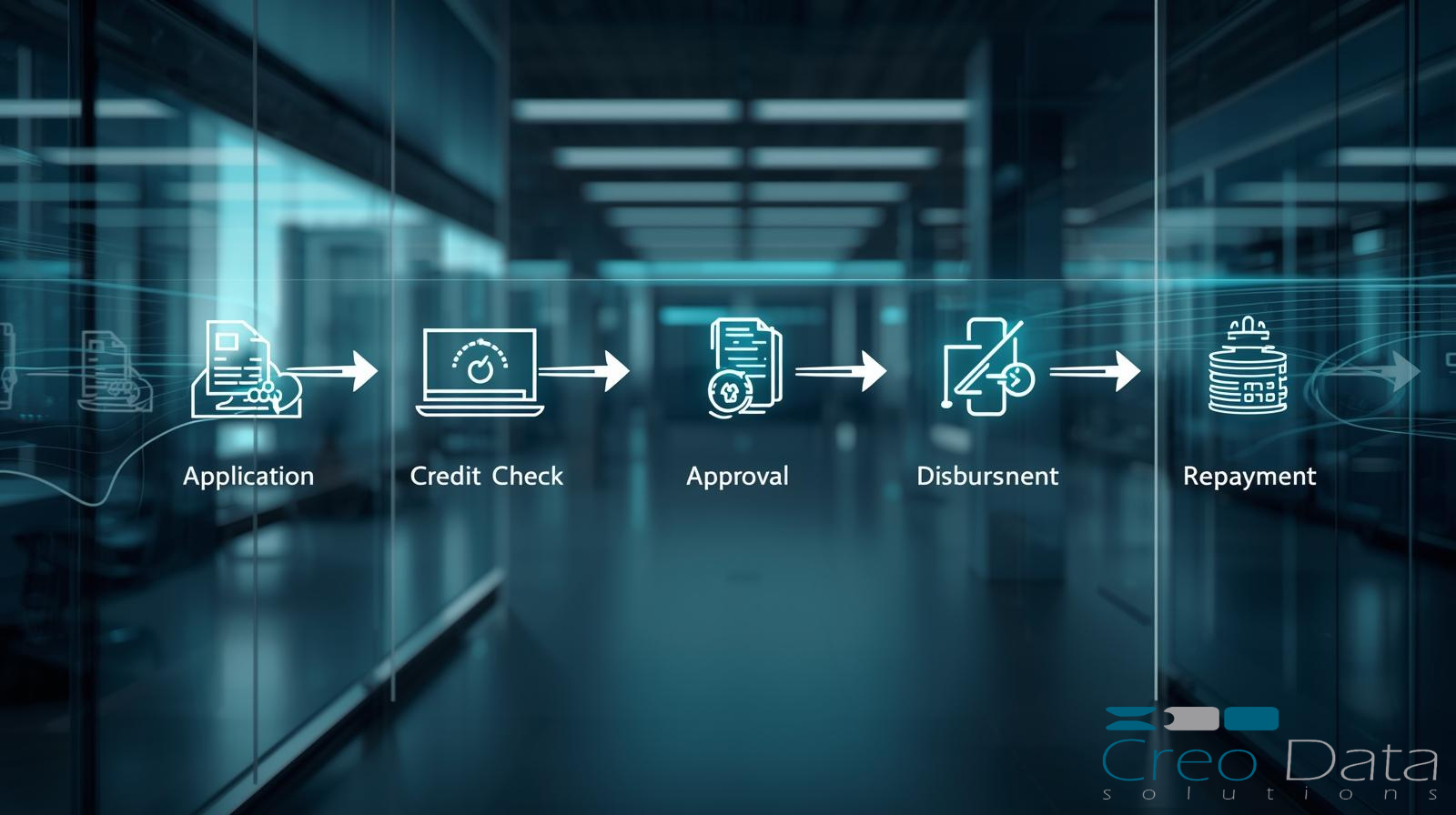
Every check-off loan that a bank originates passes through the same disciplined sequence of hands: a sales executive who calculates and captures it, a manager who reviews it, a compliance analyst who verifies the documents, a credit team who analyses and approves it, and an administration team who books and disburses it. In a manual environment that sequence lives in email threads, signed memos and physical files, and it is precisely where applications stall, skip steps or lose their audit trail. The Workplace Banking (WPB) platform encodes that sequence as a single, enforced workflow so that an application can only move in the directions the bank's policy allows, and only at the hands of a user holding the right role. This article walks through that workflow — the thirteen stages, the ten roles that own them, the standard actions available at each gate, and the way new loans, top-ups and buy-offs diverge after credit approval. For the wider context of how the platform fits together, see the complete guide to workplace banking.
The shape of the workflow
WPB's WorkflowEngine is the operational backbone of the platform. It defines a thirteen-stage workflow, manages stage transitions, enforces role-based authorisation on every move, records the decision taken at each gate, and maintains the work queues that each role draws from. An application never moves itself; it is advanced by a named user who holds the role that owns the current stage, and every transition is recorded. Because the engine sits at the centre of origination, it is also where the platform's supporting services hook in: each stage starts an SLA timer, each transition can fire a notification, and every decision is written to the immutable audit log.
The first seven stages are common to every loan, regardless of type. After credit approval the path forks: new loans and top-ups follow one branch towards check-off booking and disbursement, while buy-offs (take-overs) follow a second branch that adds a clearance step for settling the facility being taken over. We will take the common stages first, then the two branches.
The seven common stages
The opening seven stages move an application from a sales conversation to a credit decision. The Direct Sales Executive (DSE) owns the first three, the Sales Manager reviews, the Sales Centre Compliance Analyst (SCCA) verifies, and the credit function decides.
- Pre-Sale Calculation — DSE. Before anything is captured, the DSE runs the calculators to size the loan. The platform offers a forward calculator (amount to repayment), a reverse calculator (desired repayment to maximum amount) and a payslip-based affordability check that factors in the employer scheme's allowances and deductions. The mechanics are covered in forward and reverse loan calculators and the payslip affordability check.
- Customer Application — DSE. The DSE captures applicant, contact, employment, loan and (where relevant) buy-off details, and the system generates a reference number for the application.
- Document Collection — DSE. The DSE gathers the documents the checklist requires; the matrix differs for customers existing at the bank versus those new to it. See the loan application documents checklist.
- Application Review — Sales Manager. The Sales Manager reviews the captured application and documents and decides whether to forward it onward, return it for correction, or decline it.
- Document Verification and Data Capture — SCCA. The Sales Centre Compliance Analyst verifies the uploaded documents against the originals and completes data capture, working from a split screen that shows application details alongside search and compliance results.
- Credit Analysis — Credit Analyst. The Credit Analyst assesses the application against the deterministic business-rules engine — minimum take-home, retirement and contract-maturity rules, debt-to-income, CRB outcomes and existing facilities — and forms a recommendation. The discipline behind this stage is set out in credit analysis for unsecured personal loans.
- Credit Approval — Credit Approver. The Credit Approver makes the binding decision to approve or decline.
These seven stages are the part of the journey that maps most closely to a conventional origination funnel; for the lender-agnostic view of the same lifecycle, see the loan management complete guide.
After approval: the branch
Once the Credit Approver has approved a loan, the workflow forks on loan type. New loans and top-ups need a check-off booked against the employer scheme before the bank can lend; buy-offs need the existing facility settled and cleared. WPB models these as two distinct downstream paths.
New loans and top-ups proceed:
- Check-Off Booking — Scheme Loan Administrator (SLAD). The deduction is set up against the employer scheme; for government ministries the SLAD generates the deduction data delivered to IPPD, which confirms capacity and books the deduction.
- Loan Booking — Credit Admin. The loan is booked in the core banking system (Finacle), capturing branch, CIF, amount, scheme and employer codes, repayment account, tenor, interest rate and value date.
- Disbursement, then Post-Disbursement, then Completed.
Buy-offs (take-overs) proceed:
- Loan Booking — Credit Admin.
- Buy-Off Clearance — SCCA. The take-over funds settle the facility at the other institution; final disbursement only proceeds on a certified loan statement showing a nil balance or a clearance letter, plus a stop-check-off confirmation.
- Loan Booking, then Disbursement, then Completed.
The booking, maker-checker and core-banking mechanics of these stages are detailed in loan booking and disbursement via core banking and maker-checker on loan disbursement, and the take-over path specifically in the loan buy-off and take-over process.
Stage actions and decision gates
At each stage the engine offers a defined set of actions rather than free movement. Not every action is available everywhere — most importantly, only the Credit Analyst and Credit Approver can Approve. The standard actions are:
- Comment — add a note to the application without moving it.
- Forward / Recommend — advance the application to the next stage.
- Return (with reason) — send the application back for correction or missing information.
- Decline (with reason) — stop the application as ineligible.
- Approve — record a binding credit decision (Credit Analyst and Credit Approver only).
- Refer — used at the check-off and booking stages, for example where an employer code is missing and Credit Admin must liaise with the SLAD or scheme relationship manager before disbursement.
Returns and declines must carry a reason. The platform seeds a dropdown of standard reasons — eight decline reasons and six return reasons — and allows a custom free-text reason where none of the standard ones fit. Capturing the reason is what makes a return or decline auditable rather than a silent dead end.
| Stage | Owning role | Available actions |
|---|---|---|
| 1. Pre-Sale Calculation | DSE | Comment, Forward |
| 2. Customer Application | DSE | Comment, Forward |
| 3. Document Collection | DSE | Comment, Forward |
| 4. Application Review | Sales Manager | Comment, Forward/Recommend, Return, Decline |
| 5. Document Verification & Data Capture | SCCA | Comment, Forward/Recommend, Return, Decline |
| 6. Credit Analysis | Credit Analyst | Comment, Forward/Recommend, Return, Decline, Approve |
| 7. Credit Approval | Credit Approver | Comment, Return, Decline, Approve |
| 8a. Check-Off Booking (new/top-up) | SLAD | Comment, Refer, Forward |
| 8b. Loan Booking (buy-off) | Credit Admin | Comment, Refer, Forward |
| 9. Buy-Off Clearance (buy-off) | SCCA | Comment, Return, Forward |
| Loan Booking | Credit Admin | Comment, Refer, Forward |
| Disbursement | Credit Admin | Comment, Forward |
Roles, authorisation and accountability
WPB defines ten roles in its Authorization service: Direct Sales Executive (DSE), Sales Manager, Sales Centre Compliance Analyst (SCCA), Credit Analyst, Credit Approver, Scheme Loan Administrator (SLAD), Credit Admin Inputter, Credit Admin Verifier, System Admin and Auditor, governed by twenty-one permissions. The split between the Credit Admin Inputter and Credit Admin Verifier exists to support maker-checker on disbursement, where a database constraint enforces that the inputter and verifier are different users.
Role-based authorisation is enforced at the workflow-stage level, not merely in the user interface. A user only sees — and can only act on — the queue for stages their role owns, and the engine rejects any attempt to act on a stage outside that role. Every action, decision and transition is written to an immutable audit trail, where a database trigger prevents records from being updated or deleted. Together with the seeded reason codes, this gives a reviewer or auditor a complete, tamper-evident account of who did what, when and why. How the RBAC model and the immutable trail work together is the subject of audit trail and RBAC in a lending platform.
Two further services run alongside every transition. Each stage carries an SLA timer: the SLAMonitoring service holds a configured time limit per stage, records when work starts and completes, detects breaches and produces turnaround-time reports — explored in loan processing turnaround time and SLA. And the EmailNotification service fires on transitions: on approval, an email goes to the Sales Manager and an SMS to the DSE; on a decline or return, an email goes to the Sales Manager. The result is a workflow that not only enforces the right path but keeps the right people informed as the application moves along it.
Frequently asked questions
Who can approve a loan in the workflow?
Only two roles can approve. The Credit Analyst, at the Credit Analysis stage, can record an approval as part of forming a credit recommendation, and the Credit Approver makes the binding approval decision at the Credit Approval stage. No other role in the workflow has the Approve action available — sales and compliance roles can forward, recommend, return or decline, but they cannot approve credit. This separation is enforced at the workflow-stage level by the role-based authorisation model, so an approval can only ever be recorded by a user holding one of those two roles acting on the stage they own, and the decision is written to the immutable audit log.
How do new loans and buy-offs follow different paths?
The first seven stages — from pre-sale calculation through to credit approval — are identical for every loan. After the Credit Approver approves, the workflow branches on loan type. New loans and top-ups go to Check-Off Booking with the Scheme Loan Administrator, where the deduction is set up against the employer scheme (delivered to IPPD for government ministries), then to Loan Booking, Disbursement and Post-Disbursement. Buy-offs instead go to Loan Booking, then a Buy-Off Clearance stage owned by the SCCA where the facility at the other institution is settled, then back through Loan Booking and Disbursement. The branch exists because a take-over must clear an existing debt before final disbursement.
What happens when an application is returned or declined?
Both actions require a reason. A Return sends the application back for correction — for example, missing or unclear documents — and the user selects a reason from a seeded dropdown of six standard return reasons or enters a custom one. A Decline stops the application as ineligible, again with a reason chosen from eight standard decline reasons or a free-text entry. Either way the reason is captured against the application and written to the immutable audit trail, and the EmailNotification service alerts the Sales Manager. Because the reason is mandatory and recorded, a return or decline is always traceable rather than a silent dead end, and the application can be picked up again where appropriate.
To see how the workflow engine, roles and decision gates operate end to end, explore the Workplace Banking product page or arrange a walkthrough through a demo.