

Nine Hours a Month Downloading Invoices: The Smallest Automation That Paid Back Fastest
Nine hours a month filing Business Central invoices in SharePoint by hand, and a three-day audit request. Posting-triggered export fixed both in an afternoon.
Composite scenario drawn from typical East African deployments. Organisation details are anonymised and figures are representative rather than attributable to a single client.
The request that took three days
The external auditor asked for PDF copies of 30 sales invoices, selected at random across the financial year.
The finance manager expected this to take an hour. It took three days.
The invoices existed — every one of them, posted correctly in Dynamics 365 Business Central. The difficulty was the archive. Company policy required a PDF copy of each posted sales invoice to be filed in SharePoint, and for most of the year it had been. But the filing was manual: at the end of each week, an accounts assistant ran a report of posted invoices, downloaded each one as a PDF, renamed it, and dropped it into a client folder.
Where that had happened, the files were there. Where the assistant had been on leave, sitting an exam, or covering another role, weeks were missing. Naming had drifted across three conventions as different people covered the task. Two clients had been filed under both their trading name and their registered name, in separate folders.
Of the auditor's 30 samples, 22 were found in under an hour. The remaining 8 took most of three days, and four of them had to be regenerated from Business Central because no archived copy existed.
What it was actually costing
The three audit days were the visible cost. The finance manager worked out the invisible one afterwards.
The weekly export ran to about two hours across roughly 180 to 220 invoices a month — call it nine hours a month, 108 hours a year, of a qualified accounts assistant's time spent downloading and renaming files. That is most of a month of work, annually, on an activity with no judgement in it.
There was a control cost too. The archive was the organisation's evidence that an invoice had been issued as posted. An archive with gaps in it is not evidence; it is a spreadsheet of good intentions. Nobody had known there were gaps until an auditor sampled it, which is the worst possible way to find out.
The fix
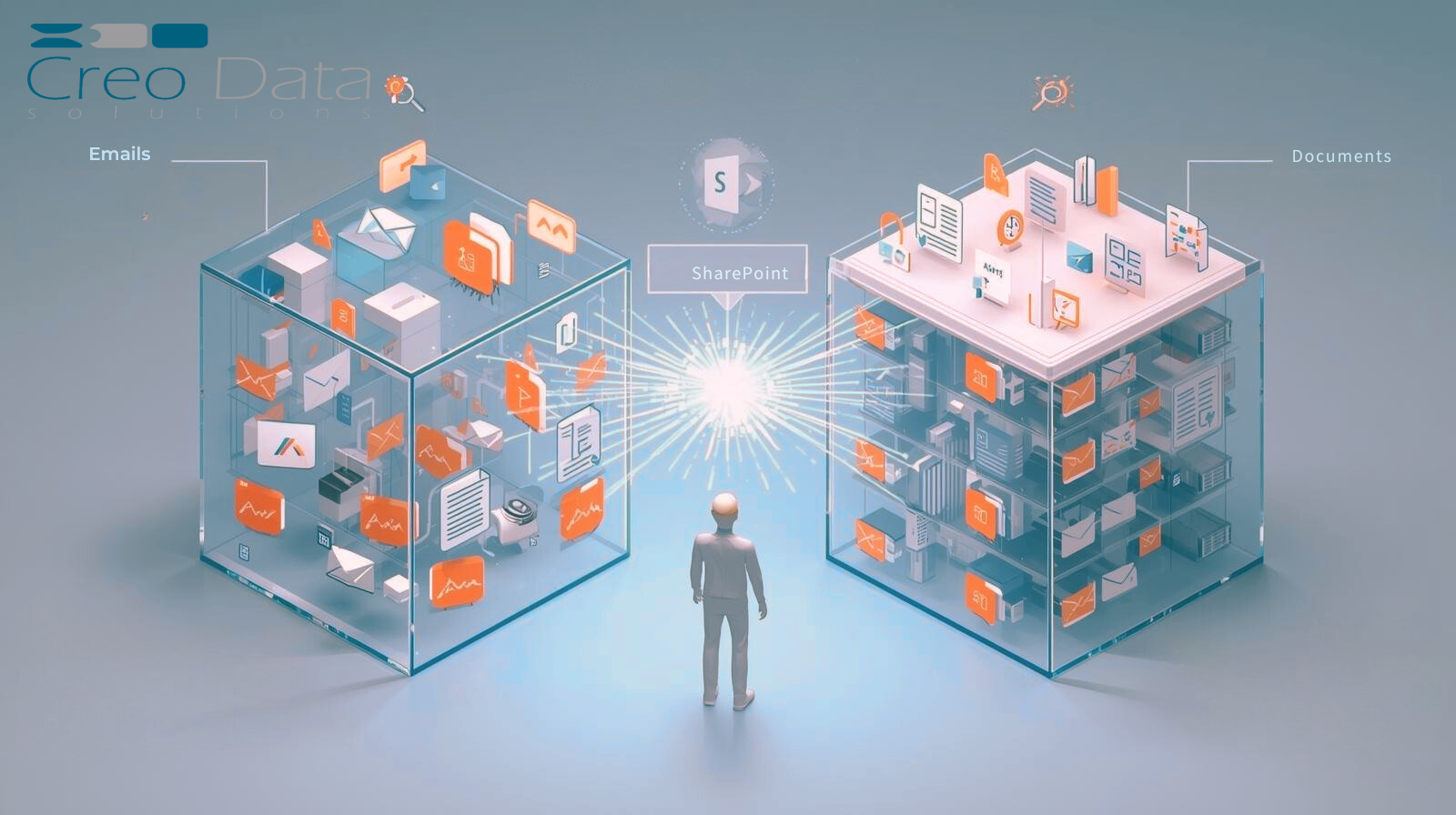
The organisation deployed Creodata's Sales Invoice Exporter from the Azure Marketplace. It does one thing: when a sales invoice is posted in Business Central, the PDF is exported to SharePoint automatically.
Three configuration decisions did the rest.
One naming convention, enforced. File naming is configured once — invoice number, customer, posting date — and applied to every export. The three drifting conventions collapsed into one, and the organisation stopped depending on whoever happened to be covering the task to remember the format.
Filing rules instead of folder judgement. Documents file by customer and period according to rules, not according to where the person doing the download decided they belonged. The duplicate-client-folder problem was resolved at the same time, because filing keys off the Business Central customer record rather than the name someone typed.
Backfill for the gaps. The tool's backfill mode was run against the full prior financial year, which recovered every missing invoice into the correct location under the correct name. The gaps that had cost three audit days were closed in an afternoon.
Export runs on posting, so there is no weekly batch to remember and no window in which an invoice is posted but unfiled.
What changed
The nine hours a month went away entirely. The accounts assistant now spends that time on receivables follow-up, which the organisation had never had capacity for and which has a considerably better return than renaming PDFs.
The next audit sample — 25 invoices — was answered in under 40 minutes, from a search rather than a hunt.
The finance manager's own summary was that the payback took about a week of avoided manual work, which is unusual for anything with an integration in it, and that the more durable benefit was not having to think about it. The task had been on a weekly checklist for four years. It is not on any checklist now.
Why small automations get skipped
Organisations underinvest in this category of problem for a predictable reason: each instance is too small to justify a project, so it stays manual indefinitely, and its cost accumulates quietly in the margins of somebody's week.
Two tests are useful.
Is anyone re-keying or re-filing data that already exists in a system of record? Downloading from one Microsoft system to upload into another is the clearest possible signal that an integration is missing.
Would a gap in this process be discovered by you, or by an auditor? A manual filing routine that depends on one person's availability will develop gaps. The question is only who finds them.
Still exporting invoices by hand? Book a consultation or explore the Sales Invoice Exporter to see how posting-triggered archival works.