

Expense Management Software in Kenya: A Buyer's Guide for Banks, NGOs and Enterprises (2026)
How to choose expense management software in Kenya: what an expense management system does, who needs one, M-Pesa, eTIMS and ERP requirements, provider types, demo questions, cost drivers and red flags.
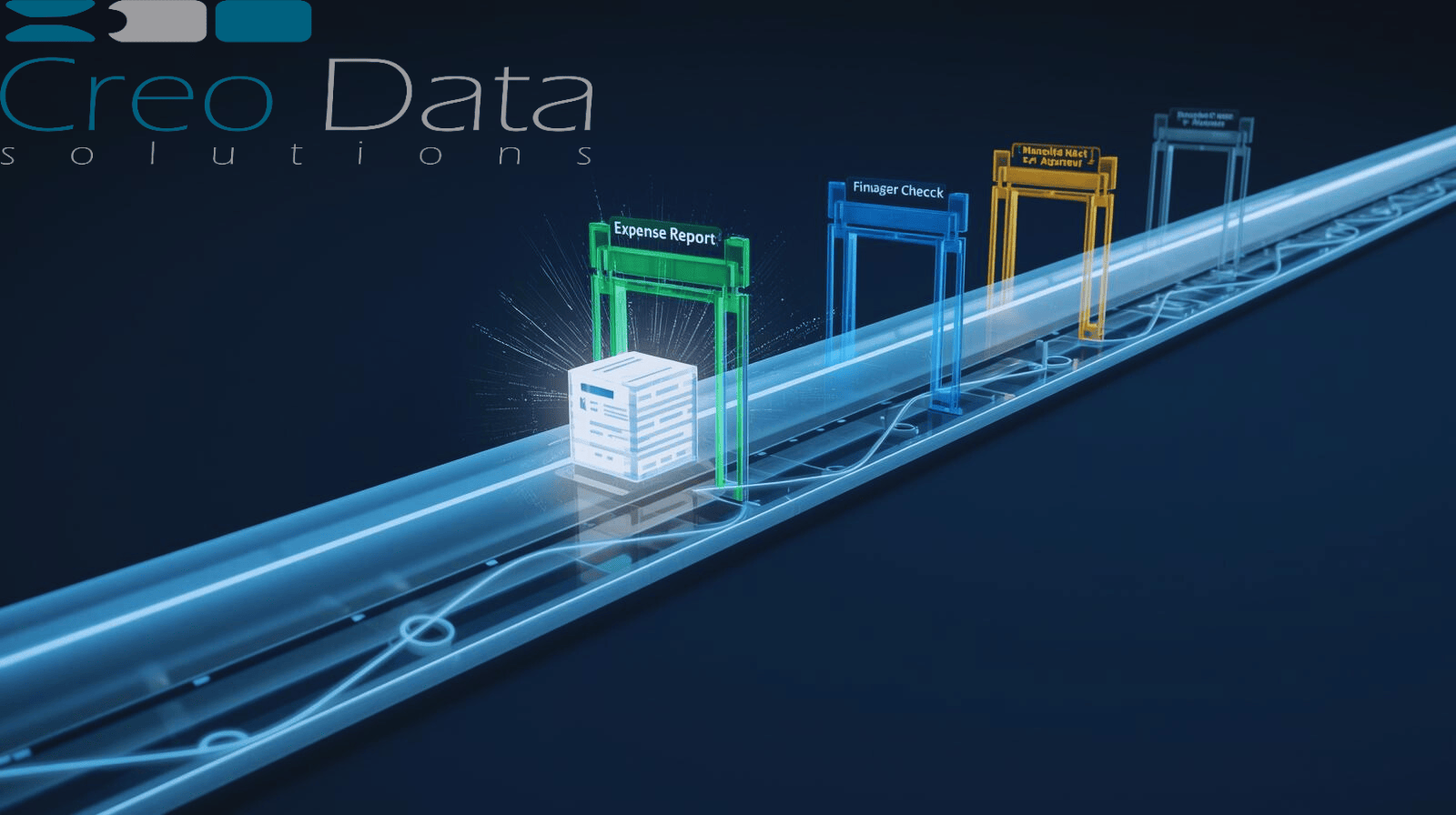
Short answer: Expense management software runs a payment request from the moment it is raised to the moment it is paid and posted: documents, approvals, escalation, payment over M-Pesa or bank, and the ledger entry. Choose one by scripting demos on your own approval chains, testing the M-Pesa and ERP integration you need, checking the audit trail your auditors will ask for, and comparing three-year costs.
This guide is for finance, operations, IT and procurement teams at Kenyan banks, NGOs, legal firms and large enterprises replacing paper vouchers, email approvals and WhatsApp threads. A search for "expense management software in Kenya" or "petty cash management software" returns very different kinds of product, from phone apps for small businesses to enterprise payment-authorisation systems, so it pays to know which kind you are looking at.
Creodata sells expense management software for Kenyan organisations, so we say plainly where we fit near the end. The criteria before that are the ones we would use to choose any vendor. This is a practical guide, not tax or legal advice: confirm requirements with your tax adviser and auditors.
What does an expense management system do?
An expense management system replaces vouchers, spreadsheets and email approvals with one governed workflow:
- Capture. A staff member raises a request (petty cash, a reimbursement, a supplier invoice, a cashbook payment, an imprest or per diem) with the receipts and invoices attached.
- Approve. The request is routed to the right approvers by department, request type and amount, for example Head of Department, then Finance, then CFO.
- Escalate. When an approver sits on a request past its deadline, it moves on automatically instead of waiting for someone to chase it.
- Pay. On final approval the payment goes out, over M-Pesa or bank transfer, and the payment status is written back to the request.
- Post. The approved, paid item is posted to the ERP or general ledger with its documents, so nobody re-keys it.
- Report and audit. Every step is recorded against one request, so finance, internal audit, external auditors and donors can see who approved what and when.
Consumer-style expense apps usually cover capture and reporting. Enterprise systems are judged on steps 2 to 6.
Who needs expense management software in Kenya?
- Banks and financial institutions, where every payment needs maker-checker approval, delegated authority limits and evidence an examiner or auditor will accept.
- NGOs and donor-funded programmes, which pay field teams on M-Pesa and must show donors a clean trail from request to payment to ledger.
- Legal and professional-services firms, which need disbursements and client-chargeable costs approved, documented and traceable.
- Large and multi-entity enterprises, where petty cash, imprest and supplier payments run across branches and departments with different approval rules.
If your organisation approves payments in a chat thread, keeps receipts as photos on phones, or reconciles an M-Pesa statement against the ledger by hand at month-end, you need one.
The Kenyan requirements that shape the choice
- M-Pesa disbursement. Staff reimbursements and petty cash are usually paid over M-Pesa B2C, and many supplier payments over M-Pesa B2B or PesaLink. Ask whether payment is built in or a manual step after approval, and how failed and reversed payments are reconciled.
- KRA eTIMS. Since 2024, KRA has required business expenses to be supported by electronic tax invoices to be deductible, and it now checks expenses claimed in returns against eTIMS records. Ask how the system captures eTIMS invoice details and flags expenses without them.
- Withholding tax and VAT. Supplier payments may carry withholding tax. Ask where the calculation happens: in the expense system or the ERP.
- ERP posting. Most Kenyan mid-size and large organisations run Microsoft Dynamics 365 Business Central, Sage, SAP or Oracle. Posting should be automatic, with the documents linked, not an export someone re-imports.
- Data protection. The Data Protection Act, 2019 applies to the staff and supplier data in every request. Ask where data is hosted and who can access it.
- Currency and approval limits in KES, with thresholds that can be changed by finance, not by the vendor.
Evaluation criteria for expense management software
| Area | What good looks like |
|---|---|
| Request types | Petty cash, reimbursements, supplier invoices, cashbook payments, imprest and per diem handled in one system, each with its own rules |
| Approval routing | Chains resolved by department, request type and amount; delegation for leave; no self-approval |
| Escalation | Deadlines on every approval, automatic escalation, and the escalation recorded |
| Payments | M-Pesa B2C and B2B (and bank) payment on approval, with callback and status reconciliation |
| ERP integration | Automatic posting to your ledger with documents attached; failed postings visible and retryable |
| Documents | Every invoice and receipt stored with the request in a governed document store, not an email inbox |
| Security | Single sign-on with your directory, role-based access, and an audit trail no administrator can edit |
| Reporting | Role dashboards for submitters, approvers, finance and the CFO; exports for audit |
| Configuration | Finance can change chains and thresholds without developers |
The types of expense management software provider in Kenya
| Provider type | Typical strengths | Watch for |
|---|---|---|
| Global expense suites | Card feeds, mobile receipt capture, travel | Local payment rails, KES approval rules, eTIMS, and pricing in dollars per user |
| Local SME expense and petty cash apps | Fast set-up, M-Pesa wallets, WhatsApp capture | Approval depth, ERP posting, audit evidence and fit for regulated organisations |
| ERP expense modules | One supplier, native ledger | Workflow and escalation depth, M-Pesa payment, and user licences for every requester |
| Workflow-first finance EDMS | Configurable approval chains, SLAs, documents and audit trail across request types | Which payment rails and ERPs are native; card and travel features may be out of scope |
These can be combined: an ERP for the ledger and a workflow-first system in front of it for requests, approvals and payments.
Questions to ask in demos
Send every shortlisted vendor the same script, built on your own approval matrix:
- Raise a petty cash request with receipts from a phone and show it reach the right approver.
- Route three supplier invoices of rising amounts and show each reach a different chain.
- Block a self-approval: the same user raising and approving a request.
- Let an approval breach its deadline and show who is alerted and what is recorded.
- Pay a reimbursement over M-Pesa in a test environment, then show a failed payment and its reconciliation.
- Post to your ERP and show a failed posting being retried.
- Produce the evidence for last month's largest payment: request, documents, approvals, payment reference and ledger entry.
Call two comparable references and ask what went wrong, not only what went right.
What drives the cost of expense management software in Kenya
Vendors price differently, so ask each to itemise the same lines over three years:
- Licence model: per user, per active submitter, per transaction or an enterprise fee.
- Payment and integration costs: M-Pesa gateway fees, ERP connectors and any bank integration.
- Implementation: configuring request types and chains, migrating open requests, and training.
- Hosting: cloud subscription, or servers and operations on-premises.
- Support and change requests: whether a new chain or threshold is configuration you do or a change request you pay for.
A low per-user fee can hide integration and change-request costs; compare three-year totals.
Red flags
- Payment is "export a file and upload it to the bank or M-Pesa portal".
- Approval limits or chains can only be changed by the vendor.
- An administrator can edit or delete audit entries.
- Receipts live in email attachments, not with the request.
- The ERP integration is a spreadsheet export.
- There is no clear exit clause for returning your documents and audit history.
Where Creodata fits
Creodata is a Nairobi software company, and our expense management system is a workflow-first finance EDMS for organisations that must prove who approved each payment. It handles three request types (supplier invoices, petty cash and cashbook payments), routes each through a configurable chain such as Head of Department, Finance Reviewer and CFO by department and amount, escalates approvals that pass their SLA automatically, and on final approval pays over M-Pesa B2C for reimbursements and petty cash or M-Pesa B2B for suppliers, with callback reconciliation. Approved items post to Microsoft Dynamics 365 Business Central over OData with their SharePoint documents linked, sign-in is through Microsoft Entra ID, and each role has its own dashboard. The story of an NGO that used it to close the gap between M-Pesa and Business Central shows the whole chain.
What we are not: a corporate-card or travel-booking platform, or a phone app for sole traders. If you need those, a global expense suite or an SME app fits better. For document management beyond finance, see our EDMS solutions. Pricing is quoted per organisation. If you are shortlisting, book a demo and bring your own approval matrix.
Frequently asked questions
What is the best expense management software in Kenya?
There is no single best system, only the best fit for your request types, approval structure, payment rails and ERP. A small business, an NGO and a bank need different things. Shortlist two or three vendors that meet your must-have requirements, run the same scripted demo, and score them against the criteria above.
What is the difference between expense management and petty cash management software?
Petty cash software covers small, day-to-day staff spend. Expense management software usually also covers reimbursements, supplier invoices and other payments, with approval chains and ledger posting. Many organisations want both in one system so every payment follows the same rules.
Can expense management software pay staff on M-Pesa?
Yes, if M-Pesa is built in. Look for B2C payment on final approval, B2B for suppliers, and the M-Pesa callback written back to the request so payments reconcile without a manual statement check.
Does expense management software need to support KRA eTIMS?
Expenses generally need to be supported by eTIMS electronic tax invoices to be tax-deductible, so the system should capture the invoice details or the invoice document with each request. Confirm the current rules with your tax adviser.
Is an expense management system the same as an EDMS?
Not quite. An electronic document management system (EDMS) stores and governs documents. A finance EDMS applies that to payments: every invoice and receipt is stored with the request, its approvals and its ledger entry, so the documents and the decisions sit together.
Should expense management software be cloud or on-premises in Kenya?
Most organisations choose cloud for speed and lower running cost. Regulated organisations should check where data is hosted, how access is controlled and logged, and what their regulator and the Data Protection Act, 2019 require before deciding.