Email Journaling for Microsoft 365: The Complete Guide (2026)
What email journaling is, how it differs from archiving and backup, why it matters for compliance and legal hold, deployment options on Microsoft 365, and how to choose a solution — the complete 2026 guide.

Every regulated organisation eventually faces the same question: can you prove what was sent, by whom, to whom, and when — years after the fact, in a form a regulator or court will accept? For email, the answer is journaling.
This guide is the starting point for everything email journaling on Microsoft 365. It explains what journaling actually is, how it differs from archiving and backup, why it underpins compliance and legal readiness, how to deploy it, and how to choose a solution. Where a topic deserves a deeper treatment, we link to a dedicated article so you can go as deep as you need.
What is email journaling?
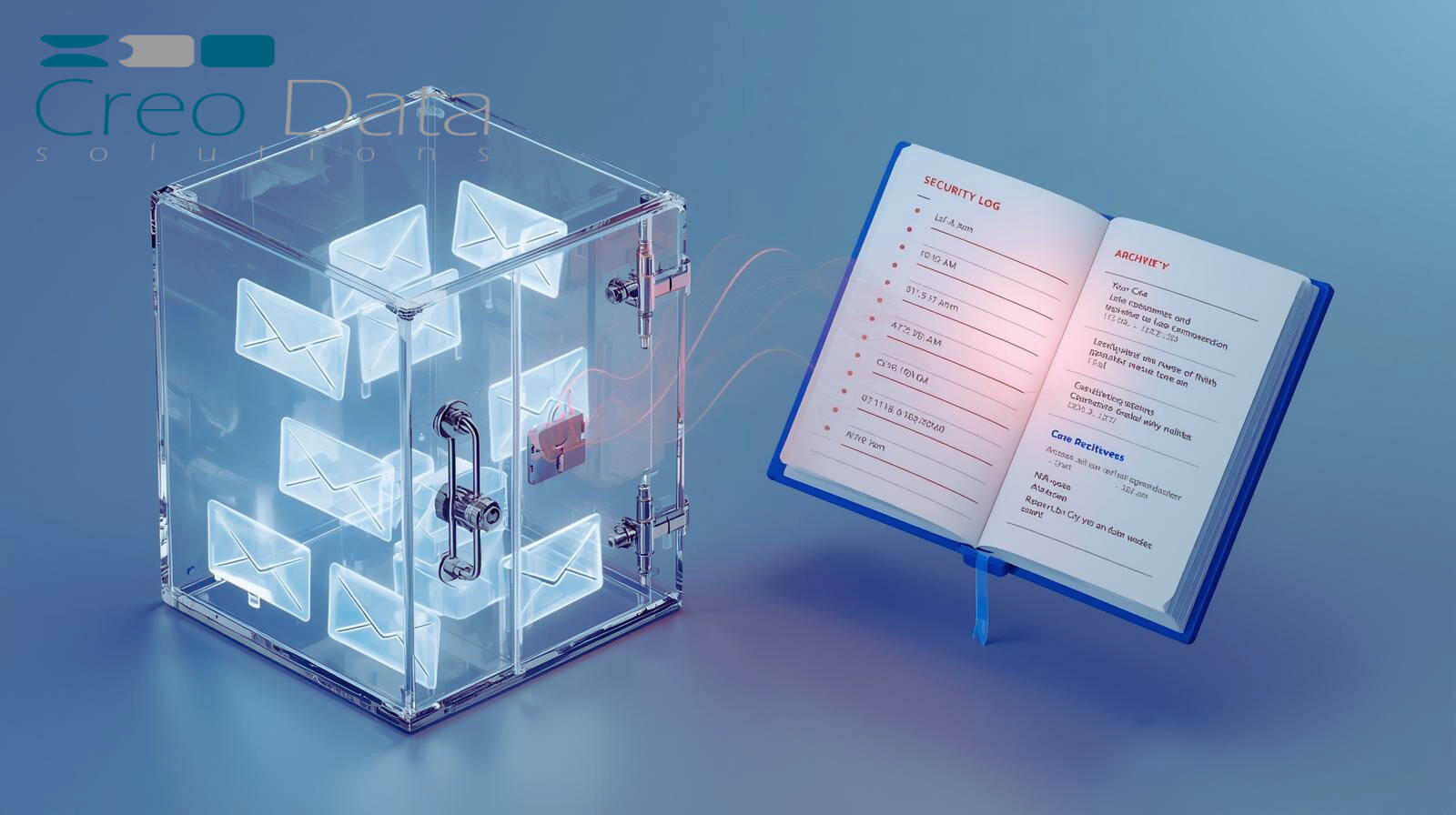
Email journaling is the practice of automatically capturing a complete, unalterable copy of every message — inbound, outbound, and internal — at the moment it is sent or received, and writing it to a separate, tamper-evident store. A journaled copy includes the full message, its attachments, and the envelope metadata (the true sender and all recipients, including those on Bcc or expanded from distribution lists).
The defining characteristics are completeness and immutability. Journaling captures everything in scope, and once captured, a journaled record cannot be edited or deleted by an end user — the property that makes it admissible as evidence. The mechanics of guaranteeing that are covered in Secure Original Email Retention and Tamper-Proof Communications.
Journaling vs archiving vs backup
These three are constantly confused, but they solve different problems:
- Backup protects against data loss — it lets you restore mailboxes after a failure. Backups are mutable and rotate out; they are not designed as legal evidence.
- Archiving moves older mail out of primary storage to control mailbox size and enable long-term search. Archived items can often still be deleted or altered depending on policy.
- Journaling captures every message as it happens to an immutable store, independent of what users later do to their mailboxes. It is the only one of the three built for compliance and legal defensibility.
In practice, mature compliance programmes use journaling and archiving together. Enterprise-Ready Email Archiving and Long-Term Email Preservation with S3-Compatible Storage explain how the captured stream is preserved affordably at scale.
Why email journaling matters
Regulatory compliance
Financial services, healthcare, government, and other regulated sectors are required to retain business communications for defined periods and produce them on demand. Journaling is how institutions satisfy frameworks such as ISO 27001 and sector record-keeping rules — see ISO 27001 and Email Security, The Role of Journaling in Regulatory Investigations, and Government Email Retention Mandates.
Legal hold and litigation readiness
When litigation is reasonably anticipated, an organisation has a duty to preserve relevant email — and deletion at that point can carry severe penalties. Journaling gives you a complete record that predates any dispute, so a legal hold is a search, not a scramble. See Legal Hold vs. Email Deletion, Litigation Hold — Preserve Emails for Legal Cases, and Email Archiving for M&A Due Diligence.
Security and investigations
A complete, immutable email record is also a security asset — for tracing data leaks, investigating insider threats, and reconstructing incidents. Explore Data Leak Tracing, Managing Insider Threats with Secure Email Archives, Forensic Analysis in Cybersecurity Incident Response, and Detecting Unauthorized Access Instantly.
Security: protecting the journal itself
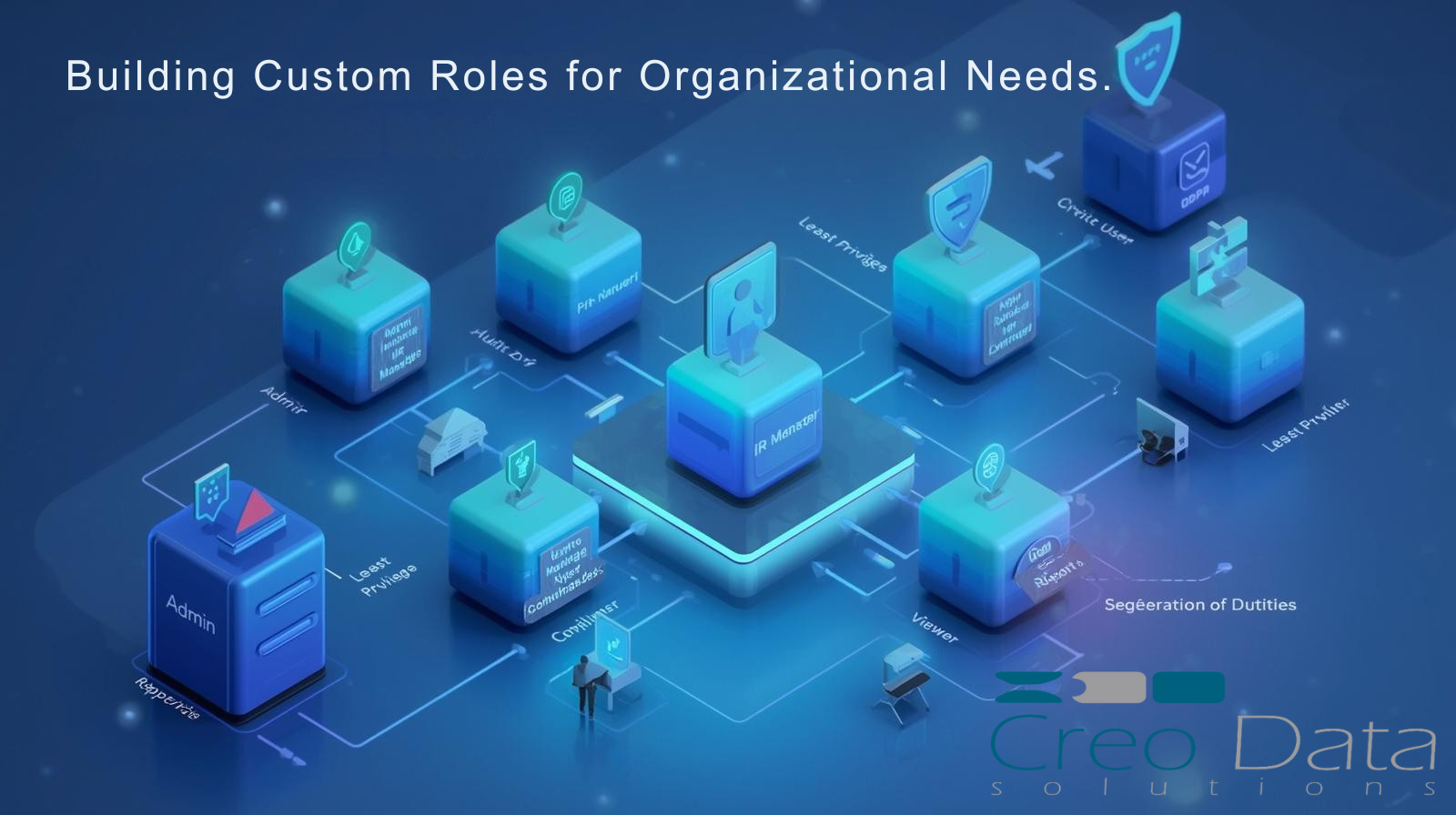
A journal is only as trustworthy as its protection. Captured mail should be encrypted at rest, access-controlled, and isolated from the mailboxes it records. See AES-256 Email Security, Encrypted Blob Storage for Healthcare Emails, and the role-based controls in Role-Based UI Access.
Search, retrieval, and eDiscovery
A journal you cannot search is just a liability. The value is realised at retrieval time — finding the right messages quickly, reconstructing a timeline, and exporting in a defensible format. See Fast Email Search and Filtering, Real-Time Email Archiving for Internal Investigations, Event Reconstruction with Timeline Filters, and Fast Recovery in Search & Retrieval.
Storage, scale, and cost
Journaling never stops, so storage strategy decides whether it stays affordable. Compression, tiering, and metered, mailbox-based pricing keep costs aligned to value as volumes grow. See Handling Growing Email Volumes, Faster Backups with Gzip / Brotli Compression, Flexible Mailbox-Based Pricing, Scaling Costs with Business Growth, and Track Usage and Costs in Real Time.
Deploying journaling on Microsoft 365
Microsoft 365 can route a journaled copy of all mail flow to an external journaling endpoint via a journal rule. From there, deployment choices depend on your data-sovereignty and integration needs:
- Buy and deploy fast via the marketplace — Seamless Purchase via Azure Marketplace.
- Single sign-on with Microsoft Entra ID integration.
- Hybrid and on-premises estates — Running Mail Journaling in Mixed Environments and Deploying Mail Journaling in Private Infrastructure.
- Integrate with your security and data stack — Connecting Mail Journaling with SIEM and DLP Tools, Programmatic Access to Email Archives, and Real-Time Mailbox Monitoring via Webhooks.
Choosing a solution
Creodata's Mail Journaling for Microsoft 365 captures every message to tamper-proof, encrypted storage on Azure, with fast search, role-based access, and metered per-mailbox pricing — deployable from the Azure Marketplace in minutes. Book a demo to see it against your own mail flow, or talk to our financial crime and compliance team about fitting it into a wider compliance programme.
Frequently asked questions
What is the difference between email journaling and email archiving?
Journaling captures a complete, immutable copy of every message as it is sent or received, independent of the user's mailbox — it is built for compliance and legal evidence. Archiving moves older mail to secondary storage to manage mailbox size and enable long-term search, and archived items can often still be changed or deleted. Most compliance programmes use both: journaling for the authoritative record, archiving for cost-efficient long-term retention.
Does Microsoft 365 do email journaling natively?
Microsoft 365 can generate a journaled copy of mail flow using journal rules and deliver it to an external journaling mailbox or endpoint, but it does not provide a dedicated immutable journal store with compliance-grade search and retention out of the box. Organisations with regulatory or legal-hold obligations typically route the journaled stream to a purpose-built journaling solution that guarantees immutability, encryption, and defensible retrieval.
Is email journaling a legal requirement?
It depends on your sector and jurisdiction, but many regulated industries — financial services, healthcare, government — are required to retain business communications and produce them on demand. Even where it is not explicitly mandated, journaling is the most reliable way to meet record-keeping rules and litigation-hold duties, because it preserves a complete record that cannot be altered after the fact.
How long should journaled emails be retained?
Retention periods are set by the regulations that apply to your organisation and commonly range from several years to permanent for certain record types. A good journaling solution lets you apply different retention rules by department or record type and enforces them immutably, so messages cannot be deleted before their retention period expires.
Does journaling capture internal and Bcc recipients?
Yes. A key advantage of journaling over simply copying mailboxes is that it records the full message envelope — including internal messages, blind-copied recipients, and recipients expanded from distribution lists — giving a complete and accurate picture of who actually received each message.
This is the hub for Creodata's email journaling coverage. Explore the linked guides for depth on compliance, security, search, scaling, and deployment — or talk to us about Mail Journaling for Microsoft 365.