
Integration with SharePoint: Archive in SharePoint
Unified Storage — Manage Emails and Docs Together. Learn how to archive and manage emails and documents side by side in SharePoint for unified search, retention, and governance.
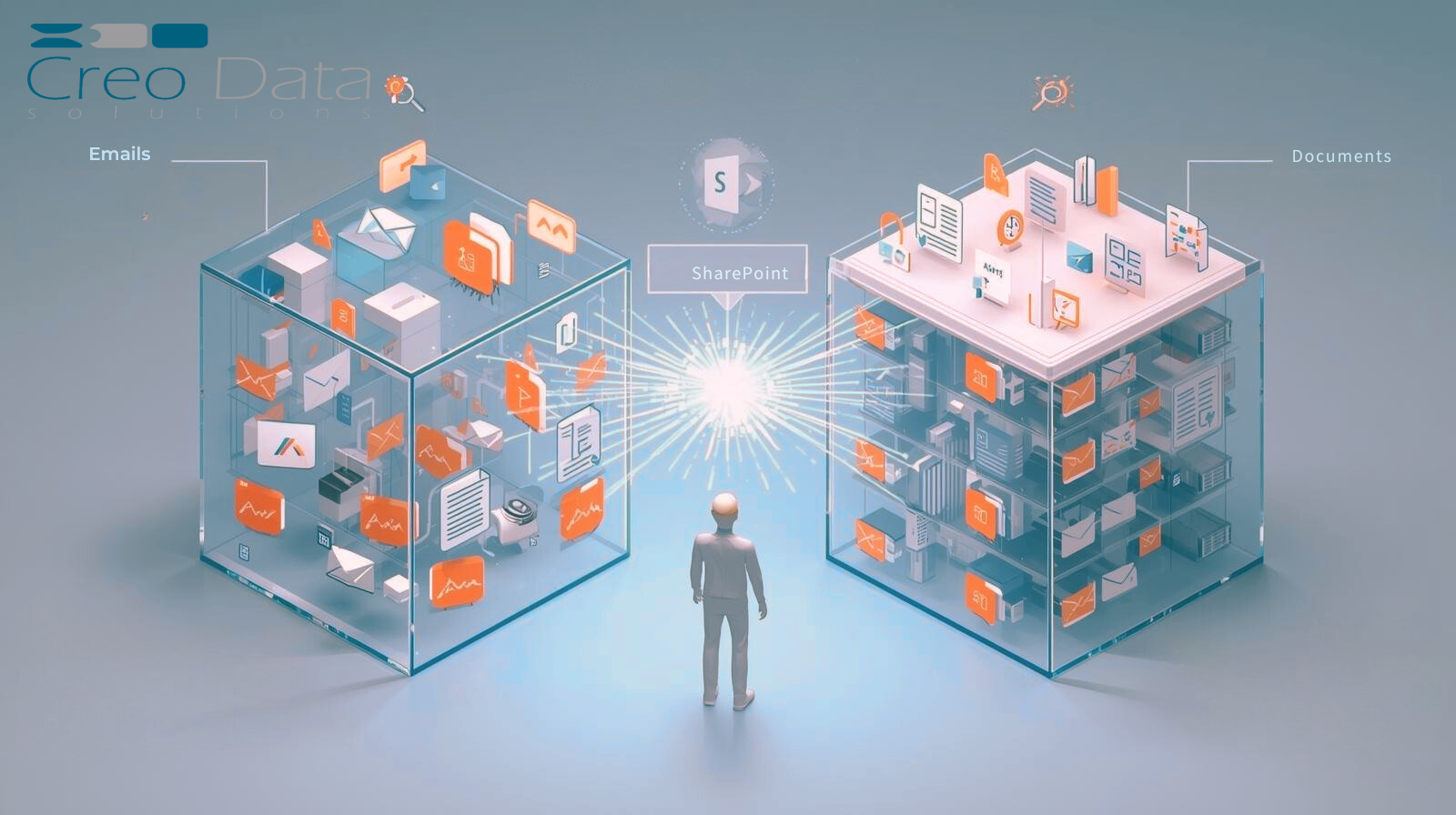
Use Case: Unified Storage — Manage Emails and Docs Together
In many organizations, email and document storage exist in separate silos: emails live in Exchange or Microsoft 365 mailboxes, while documents reside in SharePoint or file servers. For governance, compliance, and productivity, it is advantageous to treat both email and document content as first-class content in a unified system. The Unified Storage use case enables organizations to archive and manage emails and documents side by side in SharePoint, benefiting users, compliance teams, and IT through unified search, retention, and governance.
What is "Archive in SharePoint" Integration?
"Archive in SharePoint" refers to the capability of ingesting, storing, indexing, and surfacing archived content (especially email) within or alongside SharePoint libraries or the SharePoint user experience. Instead of emails being stored in a separate archive system with its own UI, archived emails—including metadata, attachments, and conversation context—become part of the SharePoint corpus, accessible via search, navigable via document libraries or special email folders, and governed via SharePoint's retention, security, and compliance controls.
Key Requirements
This integration requires:
-
Capture/Journaling/Ingestion: A mechanism to transparently intercept or copy emails (incoming/outgoing) into an archiving platform.
-
Mapping to SharePoint Storage Model: Converting email items (with metadata, attachments, conversation threading) into items that can live in SharePoint as documents, .msg/.eml files, or container records, or in a repository that the SharePoint UI can reference.
-
Indexing and Search Integration: Ensuring archived content is indexed and discoverable via SharePoint or through a unified search overlay that includes SharePoint and archived email.
-
Governance/Retention/Policy Enforcement: Applying retention, legal hold, deletion policies, classification, and metadata enforcement over both email and document content via a shared framework.
-
User Experience: Allowing users to access email archives directly from SharePoint or via file-library views without jumping into a separate archiving portal.
When implemented well, this architecture transforms SharePoint into a true unified content platform for both documents and communications.
Scenario and Motivation
Many organizations, especially those in regulated industries such as legal, finance, healthcare, and public sector, need to retain and manage both emails and documents under common policies. When email archives are isolated, non-IT users struggle to surface older communications, and compliance teams must switch between archives and document stores. This disjointed experience leads to inefficiencies, duplicated tools, and increased costs.
The Unified Storage use case eliminates this friction by providing:
- Single pane of glass: Users and compliance officers search across emails and documents in one interface
- Consistent governance: Retention and classification policies apply uniformly to both content types
- Simplified IT operations: Backup, security, monitoring, and access control can be streamlined
- Reduced training friction: Users only need to learn one content system (e.g., SharePoint) for all stored content
Archived emails become "first-class citizens" alongside Word, Excel, PDF, and other files.
Typical Workflow
-
Email Capture: Emails are captured in real time by the journaling solution.
-
Storage: Creodata stores them in its archive.
-
Synchronization: A connector or synchronization module pushes or mirrors those emails (transformed into SharePoint-compatible items) into a SharePoint "Email Archive" library.
-
Unified Search: Users searching SharePoint or a unified search interface find archived emails alongside documents.
-
Compliance Operations: Compliance engines (eDiscovery, legal hold, retention labeling) operate across both emails and documents under a unified policy engine.
-
Content Access: When a user clicks on an archived email, they can see its content and attachments just like any document item.
-
Legal Hold Management: If a legal hold is required, the email item is preserved from deletion. Once the hold expires, it follows normal retention policy.
-
Central Administration: Administrators manage storage, access, and archival scale centrally.
Advantages of Unified Storage via "Archive in SharePoint"
1. Better Search and Discovery
Users can find communications and documents in the same search results without context switching between "search email archive" and "search SharePoint documents." This drives faster information retrieval and reduces time wasted jumping between systems.
2. Unified Governance and Retention
Policies including retention, legal hold, and classification can be defined once and applied to all content, reducing the risk of policy mismatch or gaps. This simplifies audits and compliance reviews by eliminating separate rules and exceptions across systems.
3. Lower Overhead and Consolidation
Instead of maintaining separate archiving systems with separate infrastructure, backups, monitoring, and licensing, organizations can converge operations into a unified content platform.
4. User Adoption and Usability
Many users are already familiar with SharePoint or Office interfaces. Surfacing archived emails there reduces training friction and improves adoption.
5. Contextual Content Linking
Organizations can more easily relate documents and corresponding email threads (e.g., contracts and negotiation emails) because they're in the same repository and can cross-link via metadata or navigation.
6. Consistent Access Control
SharePoint's security model, including groups, permissions, and Active Directory integration, can govern both documents and archived emails in a consistent fashion.
7. Scalability and Cost Optimization
Cold or infrequently accessed content (older emails) can be moved to cheaper storage tiers or external archive zones while still being surfaced via SharePoint search, reducing the cost burden on primary SharePoint storage.
8. Future Proofing and Extensibility
As information systems evolve with AI, semantic indexing, and copilot capabilities, having all content in a unified, well-indexed platform provides better leverage to build further capabilities.
9. Audit and Chain-of-Custody Confidence
Maintaining an auditable trail across emails and documents in a unified environment reduces risks of fragmentation, lost context, or missing items during legal discovery.
Target Audience
This integration benefits a wide range of organizations and roles:
Industries
- Regulated industries: Finance, legal, healthcare, and government sectors needing strict retention, audit, and eDiscovery compliance
- Large enterprises: Organizations managing high volumes of emails and documents seeking to reduce system fragmentation
- Modernizing organizations: Companies consolidating legacy archives and file servers into unified platforms
- Compliance-driven corporations: Organizations aiming to centralize policy enforcement, auditing, and legal holds
- Shared service centers: Departments providing cross-departmental access to communications and records
Key Stakeholders
- Compliance officers
- Records managers
- IT and security architects
- Knowledge workers
- Executive leaders
All stakeholders gain from simplified governance, unified search, lower costs, and improved oversight.
Summary and Outlook
The Unified Storage use case—managing emails and documents together in SharePoint—promises to simplify governance, improve user experience, and reduce fragmentation. By leveraging Creodata's Mail Journaling solution as the email capture and archive engine, supplemented by connectors and integration layers that mirror or federate email content into SharePoint, organizations can build a more integrated, searchable, and governable content environment.
This architecture offers powerful advantages:
- Unified search
- Consistent retention
- Simplified administrative overhead
- Stronger auditability
- Better adoption
It is especially valuable for regulated industries, large enterprises, and organizations seeking to modernize legacy archives.
For more information, visit Creodata.com