
Role Dashboards — A Feature of Data & Oversight
Discover how role-based dashboards in Creodata's Loan Management platform deliver tailored, data-driven views for officers, managers, compliance teams, and executives.
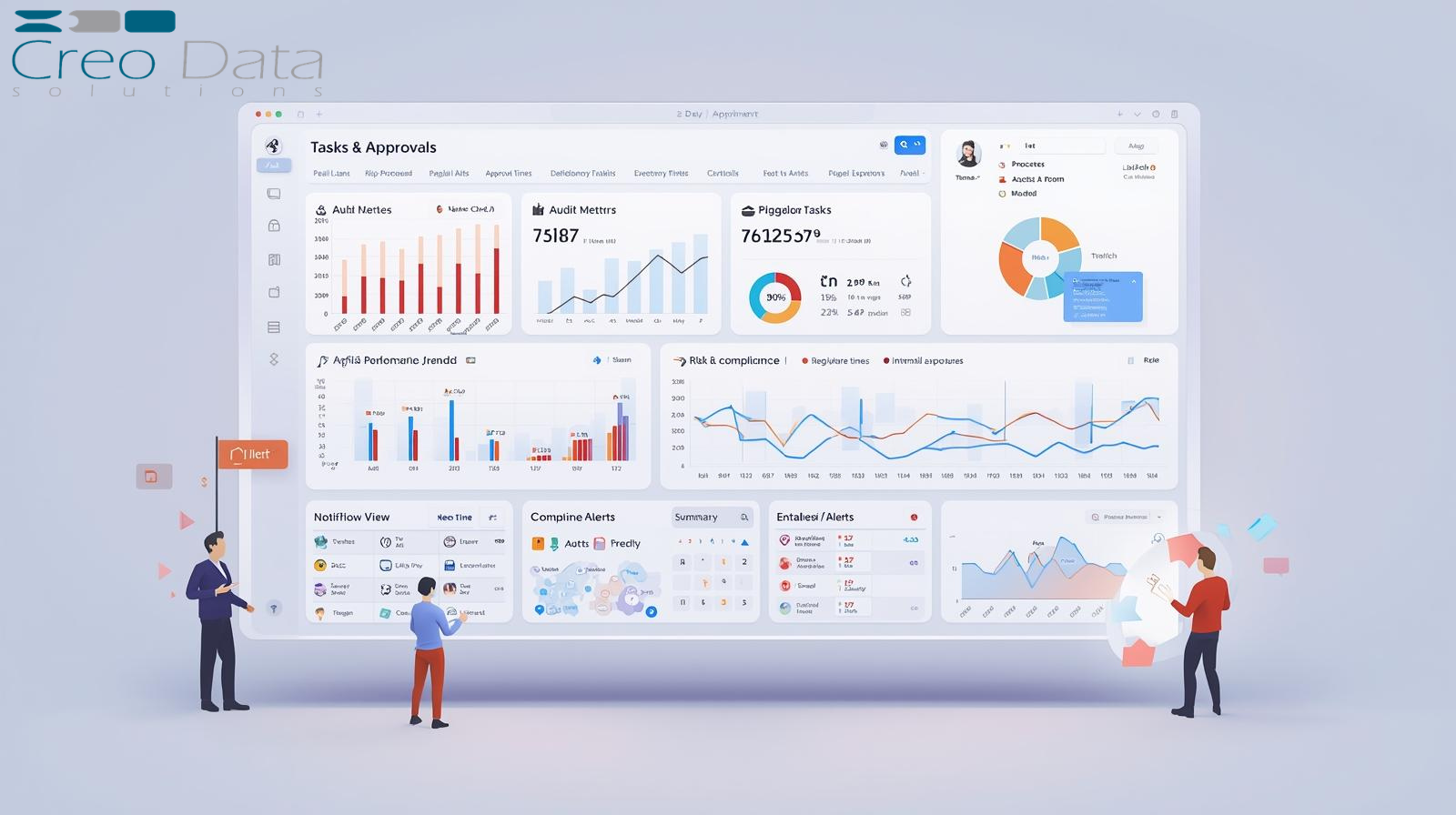
In today's fast-moving organizations, the ability to deliver role-specific visibility into data and tasks is no longer a nice-to-have — it's essential. Role dashboards, when done right, give each stakeholder exactly what they need: their tasks, the metrics they care about, and insights that empower action.
What Are Role Dashboards?
Rather than providing one generic dashboard for everyone, a role-dashboard system delivers tailored views aligned to each user's responsibilities. For example:
- A loan officer sees their pipeline of applications, approvals pending, follow-up tasks, customer status, and delinquency alerts.
- A branch manager sees branch-level metrics: loans processed this month, average approval time, delinquency rate by product, and staff performance.
- A compliance officer sees exception cases, audit alerts, portfolio risk trends, and new regulatory tasks.
- A senior executive sees aggregated business metrics: portfolio growth, risk exposures, branch/regional comparisons, and high-value exceptions.
Role dashboards align the right data, visualizations, and tasks with each user's responsibilities — strengthening data governance, accountability, and oversight.
How Role Dashboards Tie into Data & Oversight
The Data & Oversight category covers how organizations use data to monitor, govern, and direct their operations. Role dashboards sit at the intersection of data, tasks, roles, and governance by:
- Transforming operational and transactional data into visual insights and actionable tasks
- Embedding oversight directly into workflows — users see what needs doing, managers see what their teams are doing, governance roles see what the organization is doing
- Supporting escalation and exception management — flagged anomalies allow oversight roles to act before issues become crises
- Providing audit-ready views as a component of oversight frameworks in regulated industries
- Enabling continuous KPI monitoring across roles to support both strategic steering and operational control
Role dashboards are not just about showing graphs — they live at the intersection of data, tasks, roles, and governance.
Role Dashboards in Creodata's Loan Management Platform
Creodata's Loan Management System illustrates how role dashboards fit into real-world operations:
- Real-time reporting and "insightful dashboards and reports" are listed as core features
- Role-based access control, encryption, audit logging, and compliance frameworks provide the necessary infrastructure for role-specific data views
- Multiple institution types are supported (small banks, SACCOs, microfinance), each with distinct roles — loan officers, branch managers, compliance officers — who benefit from tailored dashboards
- Customer outcomes speak directly to dashboard value: "The reporting capabilities alone have saved us countless hours of manual work. We now have real-time insights…" and "We've reduced loan processing time by 65%"
While the platform doesn't label the feature as "role dashboards" explicitly, the capabilities described map directly to the concept: personalized dashboards for different roles in a lending operation, enabling data oversight and task execution.
Advantages of Role Dashboards
| Advantage | Description |
|---|---|
| Improved focus & relevance | Users see only the metrics and tasks relevant to their role — less noise, more clarity |
| Faster decision-making | Real-time data at their fingertips means users can act quickly and confidently |
| Increased accountability | Metrics and tasks aligned to role objectives drive ownership and performance |
| Better oversight & governance | Managers and compliance teams gain continuous visibility into where things go off-track |
| Strategic alignment | Dashboards cascade from executive to front-line, aligning everyone with organizational goals |
| Efficiency gains | Reduced manual reporting frees teams to focus on action rather than spreadsheet preparation |
| Agility & responsiveness | Live data allows issues — such as rising delinquency — to be caught and addressed early |
| Improved user engagement | Role-relevant dashboards drive better system adoption and data usage |
| Scalability & customization | Dashboards can be extended as roles evolve or new product lines are introduced |
| Enhanced compliance monitoring | Compliance and risk teams have immediate visibility into regulatory metrics and audit trails |
Implementation Considerations
Getting role dashboards right requires deliberate planning:
- Define roles clearly — align each dashboard to a specific role or role-group with distinct responsibilities and data needs.
- Map metrics and tasks to roles — identify what each role monitors, executes, and decides.
- Ensure data quality and integration — reliable dashboards depend on accurate, timely data from operational systems.
- Design for usability — use role-appropriate language, avoid overload, enable drill-down, and highlight what matters.
- Allow customization & flexibility — roles evolve; dashboards should be configurable with new widgets, filters, and alerts.
- Maintain access control & governance — respect data security, role-based access, and audit trails.
- Link to workflows and tasks — dashboards should be active, not passive; connect them to approvals, follow-ups, and escalations.
- Implement alerting & exceptions — flag anomalies and trends so users can act proactively.
- Provide training and adoption support — even the best dashboard fails without user adoption.
- Monitor dashboard effectiveness — track usage, measure whether dashboards drive decisions, and iterate.
- Scale across roles & levels — start with core roles, then expand to regional, product, or specialist teams.
- Align to strategic goals — ensure the dashboard ecosystem supports strategic KPIs, not just operational metrics.
Target Audience
Role dashboards in a Data & Oversight context serve four primary groups:
- Operational Staff / Front-Line Roles — loan officers, customer-service agents, branch staff needing daily tasks, approval queues, and performance metrics
- Supervisors / Managers — branch managers and team leads needing oversight of their unit: efficiency, backlog, KPIs, bottlenecks
- Risk, Compliance & Finance Functions — exception monitoring, regulatory reporting, audit trails, delinquency trends, and product-risk data
- Executives / Business Leaders — C-suite and board members reviewing strategic metrics: growth, ROI, risk, portfolio health, and trend comparisons
In Creodata's context — serving small banks, SACCOs, and microfinance institutions — all of these roles are present and actively benefit from tailored dashboard experiences.
Closing Thoughts
In an era of increasing pressure for efficiency, transparency, risk mitigation, and strategic agility, Role Dashboards are a cornerstone of any Data & Oversight strategy. They move organizations from a "one-size-fits-all" view of data to a nuanced, role-aware, task-driven approach.
When dashboards are integrated with operations, workflows, auditing, and scalable architecture — as in Creodata's loan management platform — the benefits are tangible: faster processing, improved oversight, stronger regulatory readiness, and deeper alignment between day-to-day activity and business strategy.
For more information, visit Creodata.com