
Integrate with Expense Rules
Discover how to integrate corporate expense rules into your reconciliation workflow, using policy automation to enforce limits, vendor filters, and compliant spend with Creodata's Expense Management Automation.
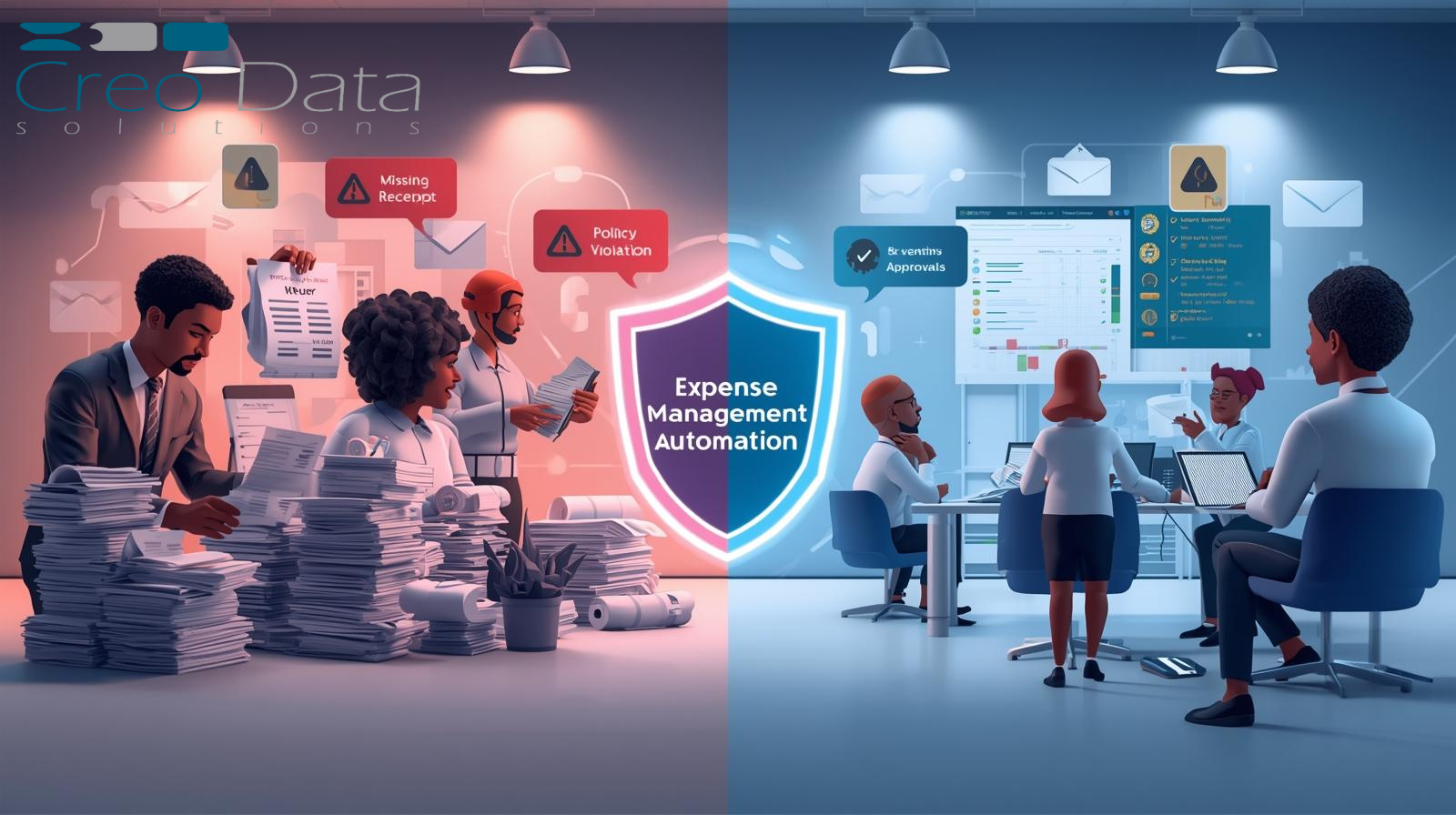
Controlling corporate spending — from daily reimbursements to vendor invoices and corporate card charges — is a perennial challenge for finance teams. The risk of policy violations, delayed approvals, manual reconciliations, and opaque visibility is high. What if the reconciliation logic itself could be guided automatically by your corporate rules? In this article we'll explore how to integrate expense rules into your process, with a focus on policy automation, and how a solution like Creodata Solutions Ltd's "Expense Management Automation" offering provides a robust platform to enforce limits, vendor filters and corporate rules.
The Case for Policy-Driven Expense Reconciliation
Why spending policies matter
Spending policies set the guardrails for an organization's expenditures: who can spend how much, on what, with which vendors, in what category, and under what conditions (receipts, authorization, cost-center, etc.). Properly defined, they:
- Reduce the incidence of out-of-policy or unauthorized spend.
- Ensure consistency across departments, roles and geographies.
- Provide control and visibility over spend categories, vendors and cost centers.
- Support audit, compliance and cost-management objectives.
As noted in a best-practice guide: "Set an expense management policy for everyone to follow. Include a complete list of which expenses the company will pay for, as well as a rundown of those expenses that the company isn't willing to cover."
The challenge with manual reconciliation
When reconciliation is done manually — via spreadsheets, email threads, paper receipts, manual GL coding — there are several risks:
- Manual data entry is error-prone and time-consuming.
- Policy violations may be detected only after-the-fact, reducing the ability to intervene proactively.
- Disparate approvals, followed by manual coding and posting to the accounting system, cause delays and lack of visibility.
- Vendor spend may bypass controls (e.g., an unapproved vendor or large purchase) and slip through.
- Finance teams spend too much effort chasing receipts and approvals rather than focusing on strategic oversight.
To shift from reactive to proactive control, organizations must embed the spending rules into the system, such that reconciliation logic becomes policy-driven.
Spotlight on Creodata's Expense Management Automation
What the solution offers
The "Expense Management Automation" product from Creodata is designed to simplify and accelerate the entire expense workflow: from capture, validation, approval to posting. Key features:
- AI-powered data extraction from receipts/invoices (95% accuracy) using Azure Document Intelligence.
- Seamless integration with Microsoft Dynamics 365 Business Central for posting.
- Mobile app + email forwarding for employees to submit expenses.
- Configurable settings: expense categories, approval workflows, cost-center mapping.
- Deployment via Azure Marketplace, with minimal infrastructure overhead.
How it supports rule-based reconciliation
In the context of policy automation and corporate spending rules, Creodata's solution supports:
- Corporate spending limits: Configure category thresholds and employee/role-based limits.
- Vendor filters: Configurable settings allow you to map vendor approval workflows or vendor lists.
- Automatic extraction and validation of expense data, ensuring proper documentation and data completeness before posting.
- Automated posting to ERP for compliant expenses, meaning only rule-compliant spend enters the financial ledger.
- Real-time visibility for finance teams into spending patterns, enabling corrective action when rules are breached or trending.
Advantages
- Efficiency gains: AI extraction and automated workflows reduce manual burden for both employees and finance.
- Policy compliance: Embedding rules into the process minimizes policy violations.
- Seamless system integration: Smooth integration for organizations already on the Microsoft stack (e.g., Dynamics 365).
- Scalability and deploy-model: Available via Azure Marketplace for ease of deployment and cloud scalability.
- Improved employee experience: Mobile submissions, faster processing, and less friction for the user.
Target Audience
The solution is suited for organizations that:
- Already use or are willing to adopt the Microsoft ecosystem (Azure, Dynamics 365).
- Have moderate to large expense volumes where manual processes are causing delays, errors, or policy non-compliance.
- Want to enforce corporate spending rules rigorously (limits, vendor filters, cost-center mapping).
- Desire automation of expense submission, approval, and reconciliation into the accounting/ERP system.
- Want better insight into spending patterns, vendor behavior and departmental cost-center performance.
In short: finance teams in mid-sized to larger corporations, particularly those on Microsoft platforms, who need to bring more control, automation and visibility to corporate expenses.
Integrating Expense Rules: Best Practices
Map your current policy into rules Begin by reviewing your current expense policy. Extract the rules — limits, categories, vendors, cost-centers, approvals — then translate them into system-configurable rules in the expense automation platform.
Align technology with policy and workflow Select a solution that allows you to encode the policy logic (limits, vendor filters, categories) and integrate with your existing systems (ERP, accounting, vendor master data).
Capture data seamlessly at point of spend Use mobile apps, email forwarding and OCR data extraction so that transactions are captured early, accurately and with minimal employee friction.
Automate the "happy path" When an expense meets policy, approval and posting should be automatic or near-instant. Only exceptions should require human intervention, freeing finance to focus on analysis rather than routine approvals.
Route exceptions intelligently Define workflows for items that breach the rules: vendor unapproved, limit exceeded, no receipt, wrong cost-center. The system should flag them, route them to the appropriate reviewer, and maintain an audit trail.
Integrate with vendor and card feeds For vendor invoices and corporate card transactions, feed data automatically into the system so it can be matched, coded and routed — ensuring reconciliation is timely and automated.
Monitor and refine Use dashboards and reports to monitor spend trends, policy violations, and departmental or vendor anomalies. Use insights to refine spending rules (e.g., adjust limits, whitelist preferred vendors, highlight high-risk cost-centers).
Maintain audit and compliance readiness The system should generate a full audit trail: who submitted, who approved, what rule was applied, which cost-center or project was assigned, and when it was posted. This supports external audit and internal controls.
Summary & Key Takeaways
- Corporate spending rules — including limits, vendor filters, cost-center assignments — are vital to control and visibility.
- Manual reconciliation is slow, error-prone and reactive. Embedding rules into the workflow drives automation and proactive control.
- Policy-driven reconciliation logic means spend is checked, approved or flagged before posting.
- Automation yields benefits: faster processing, fewer errors, better compliance, enriched insight and lower cost.
- The Creodata Expense Management Automation solution exemplifies how a modern platform supports rule-based logic, AI extraction, ERP integration and mobile capture.
- The target audience: mid-to-large organizations, particularly on the Microsoft stack, that want to scale expense control and compliance.
- Best practices: map policy into system rules, capture early, automate the straight-through path, route exceptions, integrate with vendor/card feeds, monitor and refine.
By integrating your corporate spending rules into the expense reconciliation logic, you shift from a retrospective, audit-after-the-fact approach to proactive, automated control. With a platform like Creodata's, you can empower employees, lighten the finance burden and gain a real-time view of spend — while ensuring compliance is built into every transaction.
For more information, visit Creodata.com