
Streamlining Expense Approvals with Custom Workflows
Learn how configurable, multi-level workflows with delegation and automatic flags streamline employee expense reimbursements, reduce bottlenecks, and enhance oversight.
Introduction
Managing employee expense reimbursements is a perennial pain point for many organizations. Employees incur costs—travel, meals, lodging, mileage, business supplies—then file claims that pass through one or more layers of review before being reimbursed. Traditional approaches relying on paper receipts, spreadsheets, and email chains are slow, error-prone, and opaque.
Modern expense management solutions provide automation and workflow capabilities to reduce this friction. In particular, configurable, multi-level routing and delegation, along with automatic flags or alerts, form a powerful foundation to streamline approvals, reduce bottlenecks, enforce policies, and enhance oversight.
Workflow Automation: Step-by-Step Flow
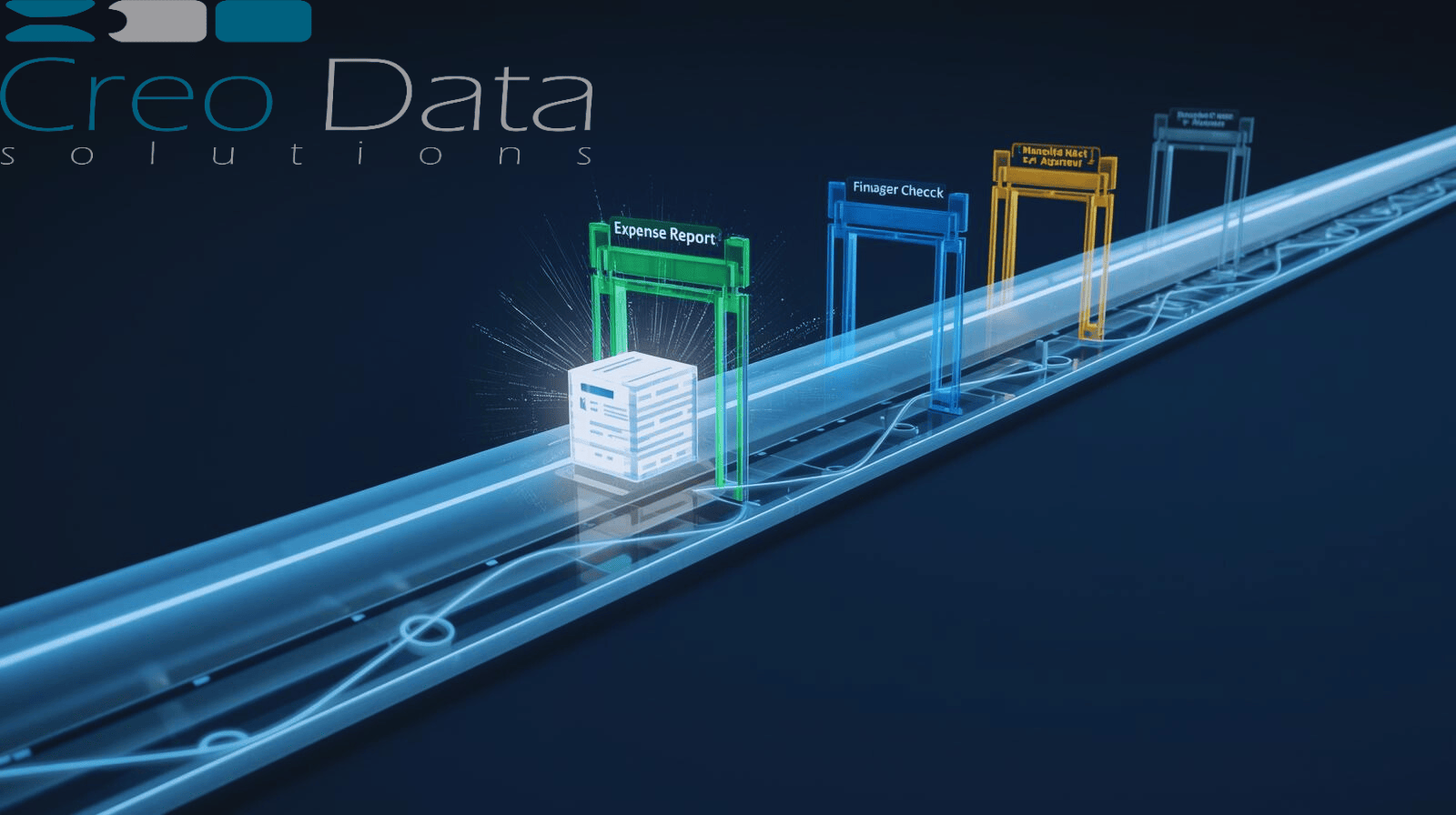
Here's a prototypical flow of how a custom workflow operates in a reimbursement scenario:
Employee Submission
The employee logs into the expense portal or mobile app, attaches receipt images or documents, and fills in metadata such as date, category, purpose, and cost center. AI and OCR technology may auto-extract receipt data to pre-fill fields, reducing manual data entry.
Initial Validation / Auto Checks
The system runs policy validations to check for issues like maximum per diem violations, disallowed merchants, or missing receipts. If everything is within policy, the claim proceeds to the first approval stage. If not, it's flagged or rejected, or sent for manual review.
Routing to Approver(s)
Based on configurable rules—including department, cost center, manager assignment, and amount thresholds—the expense is routed to an approver's queue. If the approver is unavailable or has delegated approval rights, the system automatically routes to the delegate.
Approval / Rejection / Questions
The approver reviews the expense, checks the receipts, and either approves, rejects with comments, or requests additional information. If they take too long, the system may escalate or send alerts to maintain momentum.
Secondary / Multi-Level Review
If the amount or type requires further review—such as expenses over a threshold or in special categories—the claim passes to a higher-level approver like a director or finance manager.
Final Review and Posting
Once approved, the claim is posted to the accounting or ERP system automatically or via batch. If it's user-paid, the reimbursement is initiated through payroll or accounts payable. The system logs the full approval trail with timestamps, comments, and user identities for audit purposes.
Notifications & Visibility
At each transition, notifications go to the employee, current approver, or stakeholders. Messages like "Claim approved by manager, now waiting for finance review" keep everyone informed. Dashboards show where claims are stuck, enabling proactive management.
This flow ensures consistency, transparency, and speed while minimizing manual chasing or emailing.
How Creodata Supports Custom Workflows
Creodata's Expense Management Automation offering, deployable via Azure, streamlines expense processing by capturing, validating, and posting expense data. While the public site emphasizes AI extraction and integration with Microsoft Dynamics 365 Business Central, a full-fledged expense solution in that ecosystem naturally supports rich workflow capabilities.
Configurable Workflow Engine
Creodata allows admins to define workflow rules by department, role, amount, and category. Built on a configurable platform potentially leveraging Azure and Dynamics, these workflows can be adjusted over time without heavy development.
Hierarchical and Multi-Level Routing
The system can route to multiple tiers as required—manager, then director, then finance—based on thresholds or expense types.
Delegation & Proxy Assignment
Approvers can delegate their approval rights when on leave or unavailable, and the system honors those delegations explicitly in routing.
Automatic Flags and Alerts
Creodata's solution can incorporate business rules that flag anomalies automatically for extra review or special routing. Examples include meals over specified amounts, overnight lodging in certain cities, or duplicate vendors.
Escalation Handling
If an approver does not act within a configured timeframe, the system escalates to a backup approver or sends reminders, preserving workflow momentum.
Audit Trails & Governance
The system logs all actions including who approved, when, comments, and rejections. This is essential for compliance, audits, and internal review.
Integration with ERP / Accounting Systems
Once approved, expenses can be auto-posted to the accounting system—for example, into Dynamics 365 Business Central—so finance doesn't re-enter data. Creodata emphasizes seamless ERP integration in its offering.
Mobile / Self-Service Interface
Employees can submit and approvers can review via web or mobile, ensuring flexibility and faster turnaround.
Dashboard & Analytics
With a workflow backbone, Creodata can surface dashboards showing cycle time, bottlenecks, policy violations, outstanding claims, and trends.
By combining AI extraction, integration, and workflow orchestration, Creodata delivers a modern, end-to-end expense management experience.
Advantages of Custom Workflow Automation
Implementing configurable, multi-level workflows with automatic flags brings numerous benefits across the organization.
Speed and Efficiency
Reduced manual steps: No more emailing receipts, chasing approvers, or manual status tracking.
Faster processing time: Claims move automatically through the chain. Approvers see only tasks relevant to them.
Less rework: With validation checks at submission, many common issues like missing receipts or over-limit expenses are caught early.
Consistency & Policy Enforcement
Standardized routing: All claims follow defined, auditable paths, eliminating ad-hoc exceptions.
Built-in policy checks: The system flags or rejects claims that violate policy, reducing policy bypass or inconsistent oversight.
Transparency & Visibility
Real-time tracking: Stakeholders can see exactly where a claim sits, who is holding it, and how long it has waited.
Dashboards & reporting: Finance and management can monitor workloads, bottlenecks, and trends.
Accountability & Auditability
Full audit trails: Who did what, when, and any comments or changes are logged—critical for internal control, audits, and compliance.
Delegate tracking: If someone approves on behalf of another, the delegation history is recorded.
Reduced Errors & Fraud
Automated checks: Missing receipts, duplicate entries, suspicious vendors or amounts are flagged automatically.
Lower human error: Fewer data re-entry steps means fewer transcription mistakes.
Scalability & Flexibility
Adaptable workflows: As the organization grows or changes, workflows can be updated.
Tiered approvals: Larger claims can require additional scrutiny.
Delegation and proxies: The system handles resource absences or transfers without breaking the workflow.
Better Employee Experience
Faster reimbursements: Employees receive their funds sooner, reducing frustration.
Transparent status: Employees see whether claims are approved, rejected, or pending.
Ease of submission: Using mobile or web, they can submit from anywhere with receipts attached.
These advantages translate into cost savings, better control, happier users, and more strategic finance operations.
Target Audience
Which organizations benefit most from workflow-driven expense management? Below are the primary target audiences.
Mid-sized to Large Enterprises
Entities that incur large volumes of expense claims and need a mature, governed process that scales.
Regulated Industries
Sectors such as financial services, healthcare, government, or energy, where audit trails, control, and compliance matter significantly.
Organizations with Distributed Teams
Companies where employees and managers may be geographically separated, requiring mobile and online workflows.
Companies Using ERP or Accounting Systems
Entities that desire tight integration with systems like Dynamics, SAP, or NetSuite to avoid double-entry and sync expense data directly.
Finance / Shared Service Centers
Centralized finance teams that need visibility and control over hundreds or thousands of expense claims.
Organizations with Complex Approval Hierarchies
Those with multiple layers of review—regional, division, corporate—or conditional routing requirements.
Businesses Seeking Digital Transformation
Companies migrating from paper, spreadsheets, or fragmented tools to a unified, automated platform.
Rapidly Growing Companies
When scaling headcount and operations, manual systems become untenable. A workflow system helps maintain control during growth.
In particular, users of Creodata's existing journaling and compliance systems or Azure-based customers may find the Creodata Expense Management solution a coherent extension of their technology stack.
Summary & Call to Action
Custom workflow automation with configurable routing, multi-level approvals, delegation, and automatic flags can dramatically streamline employee expense reimbursements. It addresses common pain points including delay, error, and lack of visibility while enforcing policy and providing auditability.
Creodata's Expense Management Automation approach, with AI-driven extraction and integration into Microsoft Dynamics, is well positioned to support advanced workflow needs.
For organizations that process many expense claims, operate across multiple layers of approval, handle compliance demands, or seek to scale beyond manual systems, adopting a workflow-based solution is no longer optional—it's essential for operational efficiency and financial control.
For more information, visit Creodata.com