
Drag-and-Drop Uploads for Non-Tech-Savvy Users
A simple drag-and-drop upload experience that improves inclusion and speeds lending workflows in rural/cooperative contexts.
Introduction: Making Tech Easy for Everyone
Imagine managing your finances, applying for a loan, or submitting vital documents—but you're not tech-savvy. Possibly you live in a rural area, or you're from an older generation. You might feel frustrated by complex software, confusing buttons, or unclear instructions.
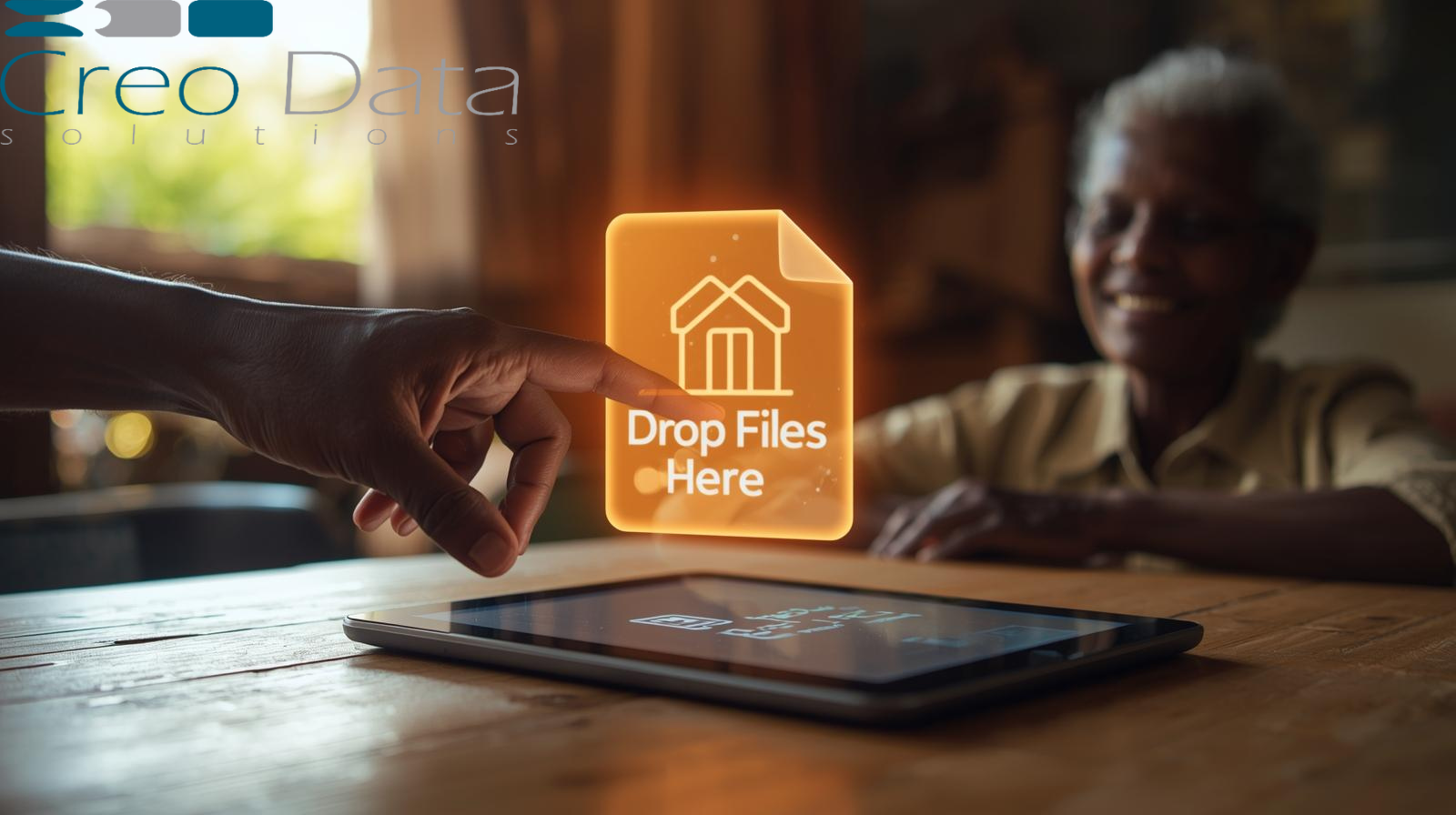
This is where drag-and-drop uploads come in. Think of it like dragging a paper from one side of your desk to another—but on a computer. You simply click a file, drag it over marked zones on the screen, and release. Boom—file uploaded. No jargon, no clicks through confusing menu trees. Just intuitive, easy-to-use functionality.
In rural banking and cooperative environments—where digital literacy can be uneven—this feature makes a real difference. It streamlines processes, lowers frustration, and expands access to essential services.
Why This Matters in Rural Banking & Cooperatives
Digital Inclusion for Everyone
Not everyone grew up online. Older adults or those in remote communities may struggle with digital tools. A drag-and-drop upload removes layers of complexity—no navigating folders, no "browse" buttons, just a clear "drop your document here" interface.
Efficiency for Applicants & Staff
- Applicants can complete tasks in fewer steps and less time, without needing in-person help
- Community Officers (local staff) spend less time guiding people through technical steps—and more time supporting lending decisions and community outreach
Improved Adoption & Trust
The smoother and more intuitive the tech, the more people will use it. Trust builds when people feel confident—not confused—using the system.
Core Features of a Drag-and-Drop Upload Interface
1. Visual Drop Zones
Clear boxes or highlighted areas labeled "Drop your document here" help guide users.
2. Preview before Upload
Users see their file (like a PDF thumbnail or name) before it's uploaded—so they know they've done it correctly.
3. Error Handling with Clarity
If a file is too large or wrong type, a simple message like "Oops—this file can't be uploaded; try a PDF under 10 MB" keeps things friendly and actionable.
4. Accessible Design
Supports mobile devices, tablets, and has large fonts and high-contrast visuals. Helpful for aging eyes or low-tech screens.
5. Multi-File Support (Optional)
Allow users to upload several files at once—especially handy when multiple documents are needed.
6. Progress Indicators
A small animation or progress bar reassures users that the upload is underway—not frozen.
How It Works in Rural Banking Workflows
Let's say a farmer wants to apply for a loan through her local cooperative:
- She logs in or visits the cooperative's portal
- Based on the instructions, she drags her scanned ID document into a designated upload box
- A preview appears. She clicks "Submit" or it auto-attaches
- She continues through the application—without needing help from staff or physical paperwork
Meanwhile, the Community Officer, assisting other applicants today, handles fewer tech hiccups. The process becomes smoother for everyone—and safer from a document tracking standpoint.
Integrating with Creodata's Loan Management System
Creodata's Loan Management System is a cloud-based, Azure-powered solution tailored for small banks, SACCOs, and microfinance institutions. It offers:
- Full-cycle loan management—from application to repayment
- Configurable workflows, customizable loan products
- Real-time dashboards, reporting, integrations, and robust security
Target Audiences
Beyond applicants and community officers, the drag-and-drop feature is also valuable for:
- Rural Branch Managers – Ensuring local staff can quickly capture needed documentation with minimal delays
- Back-Office Loan Processors – Who benefit from clean, immediately retrievable files in the system
- IT / Support Teams – Fewer support requests for upload issues mean they can focus on maintenance and innovation
- Regulatory Compliance Staff – Who need clear audit trails and file integrity for KYC and loan documentation
Advantages When Paired with Creodata
- Simple integration: Seamless UI enhancement that fits directly into Creodata's system
- Reduced training burden: Easy upload reduces training time for staff and users
- Improved data quality: Less misfiled documents, cleaner entries
- Faster workflows: Loan applications move through origination, KYC, approval, and disbursement faster
- Secure and compliant: Uploads are encrypted, logged, and auditable—meeting compliance needs
- Mobile-ready: Especially helpful for remote areas where users may access via tablets or phones with limited browsing features
Benefits: Why This Matters in Real Terms
For Applicants (e.g., farmers, senior citizens)
- No frustration with technical upload steps
- Faster submission of necessary documents
- More autonomy and dignity in completing applications
For Community Officers / Staff
- Fewer tech support requests
- Quicker document processing
- Better focus on customer service and relationship management
For Lending Institutions (Rural Banks, SACCOs, Cooperatives)
- Higher application completion rates
- More efficient loan processing
- Clear audit trail for compliance
- Enhanced trust and positive reputation in the community
For IT & Compliance Teams
- Lower maintenance and support costs
- Robust logs and encryption built into the system
- Easy scaling across branches without tech headaches
Best Practices for Implementing Drag-and-Drop Uploads
- User Testing in Real Contexts: Try it with actual rural users and senior applicants to refine UI clarity
- Train Support Staff First: Equip community officers to guide applicants verbally, complementing a simple UI
- Limit File Types/Size Thoughtfully: Support common formats (PDF, JPEG), but keep limits clear
- Mobile Optimization: Ensure drag-and-drop works (or offer alternative tap-to-upload) on phones and tablets
- Preview Feature: Prevent mistaken uploads or missing files
- Feedback and Analytics: Monitor failed uploads or support tickets to identify improvements
Conclusion
A drag-and-drop upload feature, thoughtfully designed, is a small but powerful tool. It removes friction for non-technical users, especially in rural and senior segments, enabling smoother engagement with financial services. When integrated into a robust platform like Creodata's Loan Management System, it elevates the entire lending journey—from application to repayment—making it more efficient, equitable, and compliant.
By simplifying technology, we remove barriers to access, build trust, and help underserved communities thrive—empowering them with tools that respect their abilities and needs.
For more information visit: https://www.creodata.com/products/loan-management/