
How Customers Are Mapped to Roles in the System
Learn how Creodata's Loan Management System uses Azure AD and RBAC to securely map customers to roles, ensuring proper access control, scalability, and compliance in financial institutions.
Introduction
In any loan management system (LMS), especially one used by financial institutions like banks, SACCOs, or microfinance organizations, secure, clear, and scalable user access is essential. One of the foundational components of secure access is Role-Based Access Control (RBAC): defining roles (Customer, Relationship Manager, Branch Manager, etc.), then assigning permissions to those roles, and finally assigning users to those roles.
Creodata's Loan Management System (LMS) is a cloud-based, Azure-built platform that supports the full loan lifecycle from onboarding through application, approval, disbursement, to repayment. It is Microsoft-Verified and supports multiple loan types, and built with bank-grade security in mind.
What is Role Assignment in this Context
Role assignment is the process of linking a user account to a predefined set of permissions (i.e. a role) that gives the user certain access rights within the system. In the case of Creodata's LMS, a Customer is mapped to the Customer role in the system; that role is one of many (Customer, CSO, RM, BM, BCC Member, Corporate Head, Credit Department, Legal & Risk, MCC/Board, etc.). Each role has clearly defined permissions and allowed actions (stages they can access, data they can view or modify, etc.).
Thus, How Customers are mapped to roles in the system involves:
- Provisioning a new user (customer) account in Azure Active Directory (Azure AD).
- Using Microsoft Authentication Library (MSAL) to authenticate that user and issue tokens.
- The token includes role claims (i.e. the "Customer" role).
- The LMS uses those role claims from the token to authorize actions: what a customer can do or see.
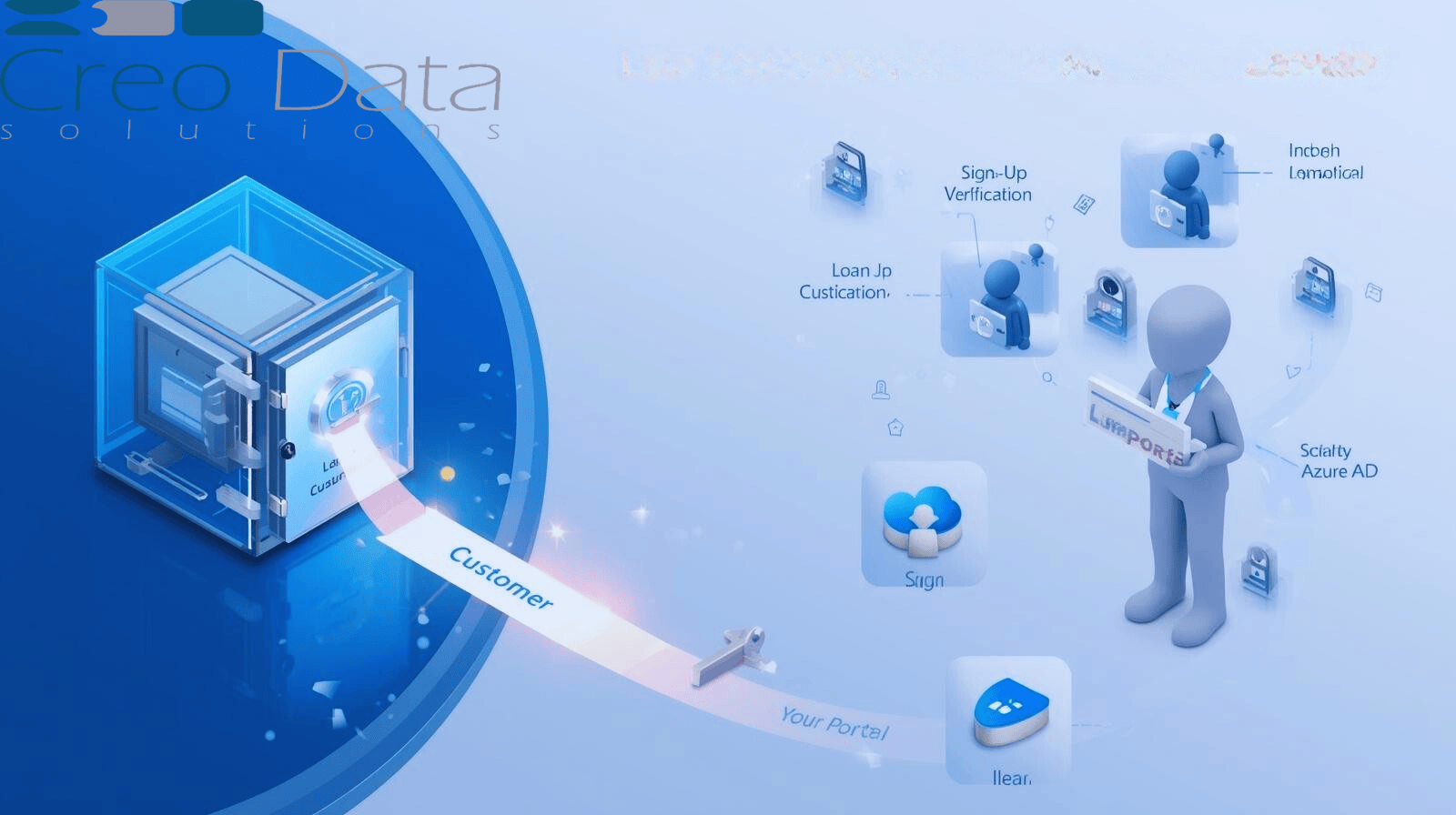
The Onboarding & Role Assignment Flow
Here's a step-by-step of how new customers are mapped to the Customer role in Creodata's LMS (assuming the design you provided: "Customer – Initiate & track application", plus the Azure AD / MSAL auth mechanism):
1. Sign-Up / Application Initiation
A potential customer begins by signing up (or starting an application) via the customer portal or interface of LMS. They provide required data: name, identity info, email, etc.
2. User Registration in Azure AD
The system either auto-creates or triggers creation of a user identity in Azure AD. Sometimes this might require verifying email or document uploads. The identity is usually within a directory for customers.
3. Verification & Identity Check
To prevent fraudulent accounts, standard KYC / identity verification (e.g. ID number, photo upload, address etc.) occurs. Once verified, the user is eligible to get the Customer role.
4. Role Claim Setup
In Azure AD, the Customer role is defined. When the customer's account is confirmed, their role assignment is set in Azure AD (or an associated group). MSAL-based authentication will include a "role" claim in the token ("Customer").
5. Token Authentication
When the customer logs in, MSAL library is used in the frontend / mobile app / portal to acquire tokens from Azure AD. The token (ID token or Access token) includes the role claim.
6. Authorization in LMS
LMS backend receives requests from front or mobile with the token. It parses the role claim, sees "Customer", and filters what the user can do. For instance, a Customer can:
- Initiate a new loan application
- Fill forms
- Upload supporting documents
- Track status of their application
- View repayment schedules or statements once approved
- View notifications
But cannot review proposals, assign RMs, approve, etc.
7. Ongoing Role & Access Maintenance
If the customer completes certain conditions (e.g. becomes customer of record, or after due diligence fails or passes), or if changes of conditions occur (e.g. account is suspended), their role may be updated / disabled. Also, the system audits their actions.
Advantages of Mapping Customers via Role Assignment + Azure AD/MSAL
Implementing customer role assignment via this method (Azure AD + MSAL + RBAC) yields several advantages:
1. Security & Least Privilege
Role-based access ensures that a user only has access to what's needed. Customers can't see internal processes or sensitive data. Limits risk of misuse or data breach.
2. Scalability
As more customers onboard, you don't need manually to configure each account's permissions. Assigning the Customer role (via group or role claim) automates that. If you define roles well, scaling to thousands or millions of customers remains manageable.
3. Consistency
Every Customer gets the same set of permissions. This means uniform experience, predictable behavior, and fewer bugs. Also easier to test, audit, and maintain.
4. Auditability & Compliance
Azure AD provides logs; MSAL tokens include claims; LMS backend logs what actions were taken. For regulatory compliance (KYC, data privacy, financial regulation), this is critical. Creodata claims "built-in compliance" and "bank-grade security".
5. Ease of Role Lifecycle Management
If a customer's status changes (e.g. suspended, blacklisted, or upgraded), their role can be changed in Azure AD. Also, disabling users or revoking access is more systematic.
6. User Experience & Trust
For customers, a clean and secure login experience (single sign-on if needed, or secure identity verification) increases trust. They see only their own data. Ensures transparency: they can track application status, see updates, etc.
7. Integration Potential & Extensibility
Because Azure AD and MSAL are industry-standard, integrating with other Microsoft services (e.g. Power BI, compliance tools, additional identity providers, conditional access) is easier. For future expansion (mobile apps, portals, partner integrations) it's simpler to extend.
Target Audience
Who stands to benefit most from understanding and implementing robust customer role assignment via Azure AD & RBAC in Creodata's LMS?
- Loan Officers / Lending Institutions – Banks, SACCOs, microfinance institutions that want to ensure proper customer onboarding, security, trust, and regulatory compliance.
- IT / Security Teams – Those responsible for identity, access management, ensuring that only proper users get the Customer role, handling token validation, ensuring least privilege.
- Compliance / Risk Departments – To ensure that customers are onboarded with proper checks; roles are assigned correctly; that no unauthorized access occurs.
- Product / Business Managers – Who design the customer experience; need to balance simplicity of onboarding with proper security and risk control.
Closing Thoughts
In summary, mapping customers to roles—specifically assigning them the Customer role via Azure AD + MSAL—is a core security and operational feature in a robust loan management system like Creodata's. It ensures customers are onboarded with proper identity verification, gives them just the right level of access, maintains data separation, and builds trust in the system.
For financial institutions seeking to streamline operations, improve security, and provide better experiences to external users, investing in well-designed role assignment and RBAC is non-negotiable. Creodata's LMS, being built on Azure, with high security and compliance, is well positioned to deliver this.
For more information, visit Creodata.com