
Match & Verify Cards: Ensuring Accuracy in Daily Reconciliation
Automate the matching of corporate card transactions with expense entries to ensure accuracy in daily reconciliation. Reduce errors, improve audit trails, and scale reconciliation effortlessly.
Overview
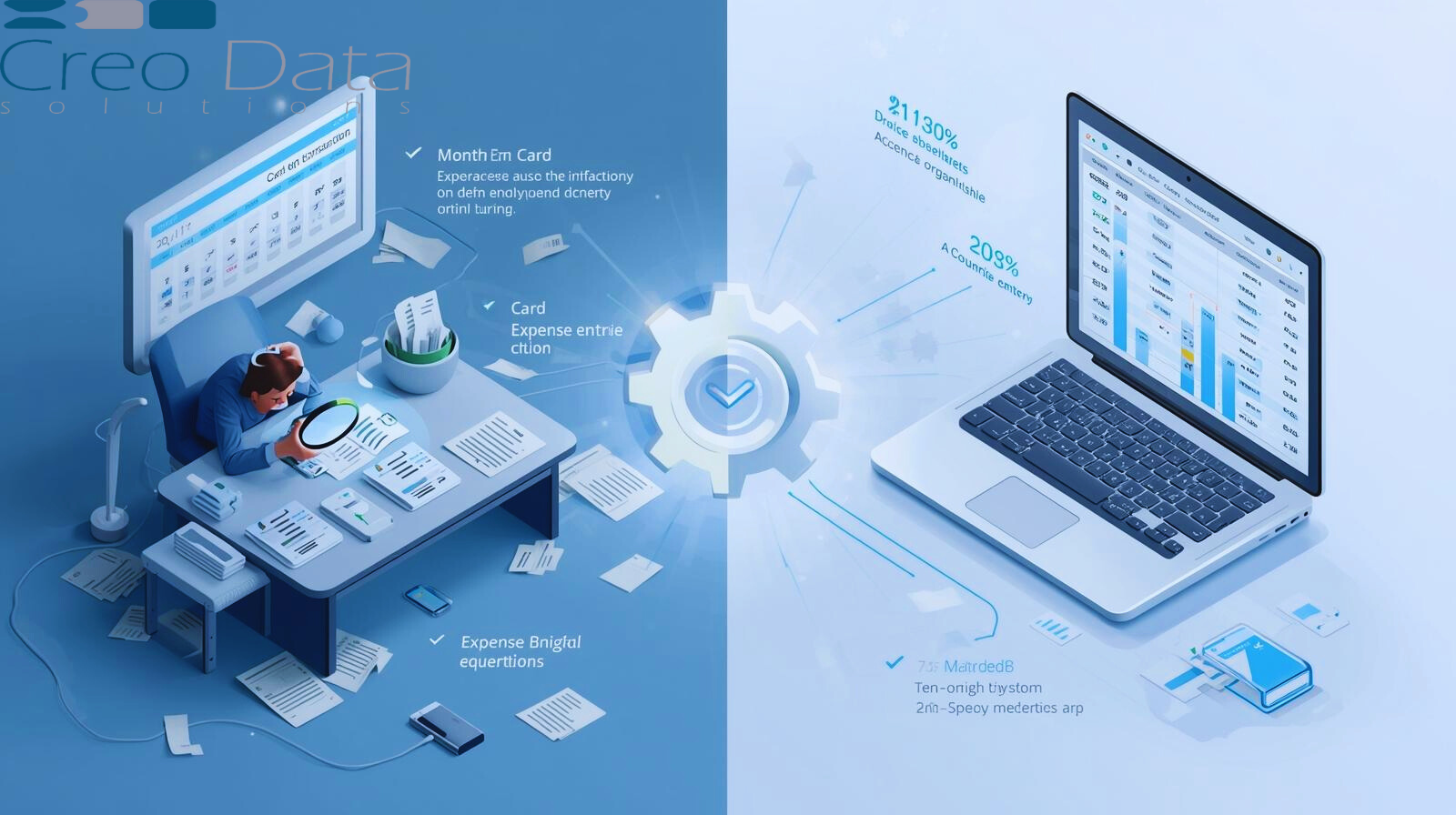
In the modern finance function, corporate cards are ubiquitous: employees swipe, vendors invoice, and accountants struggle to match every transaction with an expense entry, a receipt, and the proper approvals. Manual reconciliation—poring over bank statements, credit card lines, Excel sheets, and piles of paper receipts—is slow, error-prone, and risky.
Auto-matching of card transactions with expense entries ("Match & Verify Cards") addresses these challenges by automating the reconciliation process, reducing errors, and supporting daily reconciliation workflows.
The Problem: Manual Reconciliation's Pitfalls
Before implementing automation, organizations face numerous challenges:
- Missing or misfiled receipts: Employees may fail to upload receipts, or submit them late or in poor quality, making matching harder
- Data entry errors: Typographical mistakes (wrong date, amount, vendor) can break the linkage
- Timing mismatches: A card swipe might post on a different date than when the expense was recorded internally
- Multiple cards and vendors: With many cardholders and vendors, matching at scale becomes complex
- Fraud or misuse: Without tight matching, personal or unauthorized charges might slip through
- Delayed close and bottlenecks: Finance teams often wait on reconciliations to close books, causing delays or rework
Manual reconciliation is labor intensive and hard to scale. Finance teams can spend 30–45 minutes per card per month just gathering, matching, correcting, and auditing transactions. Auto-matching aims to relieve that burden.
What Is Auto-Matching and How It Works
Auto-matching refers to the system's ability to automatically import card transaction data via feeds or APIs and intelligently link each transaction with an existing or new expense entry in the expense management system.
Key Steps
1. Importing Transactions
The system automatically ingests card transaction lines from bank or card network feeds—daily, real-time, or in batch.
2. Normalization and Pre-processing
Transaction lines are cleaned, normalized (e.g., standardizing date formats, vendor names, currency), and enriched with metadata (e.g., merchant ID, cardholder).
3. Candidate Matching
The system attempts to match each card transaction to one or more expense entries already submitted or to a "pending receipt" placeholder. Matching uses heuristics such as:
- Date proximity (e.g., within ±1 day)
- Amount equality or approximate match (considering currency conversion or small rounding differences)
- Vendor name similarity (fuzzy matching, alias resolution)
- Receipt attachments (if a receipt was uploaded, match by date/merchant)
- Cardholder or employee identifier
4. Confidence Scoring and Verification
Each matching candidate gets a confidence score based on how many criteria align. High-confidence matches auto-verify, while borderline ones may go for human review.
5. Exception Flagging
Transactions with no match or low-confidence matches are flagged as exceptions, prompting the finance team or expense owner to manually resolve them by assigning, splitting, or rejecting.
6. Lock and Finalize
Once matched and verified, the link is locked to prevent later manual changes and becomes part of the daily reconciliation.
Auto-matching dramatically shrinks the manual workload: most transactions (over 80–90%) can be matched automatically, leaving only edge cases for review.
Creodata's Expense Management and Auto-Matching
Creodata offers an Expense Management Automation solution designed to simplify expense capture, validation, and posting. While the public materials emphasize receipt capture, AI validation, workflow automation, and integration with systems like Microsoft Dynamics 365, the concept of corporate card reconciliation fits naturally under Creodata's umbrella of automating expense workflows.
In a Creodata-Enabled Environment
The auto-matching feature would:
- Import card transaction lines into the expense system seamlessly
- Attempt to match them with employee-submitted expense entries
- Surface exceptions through the existing Creodata validation and workflow engine
- Route matched expenses through posting and approval flows
Because Creodata is built to reduce manual work (claiming up to 95% less manual work), sophisticated auto-matching logic can be embedded in its expense management module.
Advantages of Match & Verify Cards in Daily Reconciliation
1. Dramatic Reduction in Manual Work
Auto-matching eliminates the need for finance teams to manually sift through statements, match receipts, and reconcile line by line. This reduces repetitive, error-prone tasks and frees up time for analysis.
2. Faster Close and Real-Time Insights
With daily automated matching, reconciliation no longer lags. Finance gets real-time or near-real-time visibility into card usage, enabling quicker decisions, budget controls, and financial agility.
3. Increased Accuracy and Fewer Errors
The matching logic uses systematic criteria and confidence scoring, avoiding many human-induced mistakes such as typos, misallocations, and missed matches. Matching accuracy ensures that expense entries align cleanly with card lines.
4. Early Detection of Anomalies or Fraud
Exceptions (unmatched or low-confidence matches) surface quickly, enabling immediate investigation of suspicious charges or unusual patterns before they become bigger issues.
5. Better Audit Trail and Compliance
Every match is recorded with metadata (who matched it, when, what criteria), making the reconciliation traceable and defensible. This is vital for audits, governance, and internal controls.
6. Scalability
As organizations grow and the number of corporate cards and transactions increase, manual matching becomes untenable. Auto-matching scales naturally, matching thousands of cards with minimal human overhead.
7. Improved Employee Experience
Employees no longer spend time chasing receipts or reconciling statements manually. Much of the work happens behind the scenes, improving satisfaction and adoption.
8. Policy Enforcement and Spend Control
Matching logic can incorporate policy rules (e.g., permissible vendors, spend thresholds). If a card transaction is out-of-policy, it's more likely to fail matching or be flagged for review, automatically enforcing compliance.
9. Fewer Reconciling Adjustments and Corrections
Because matching happens early and precisely, fewer corrections, reclassifications, or manual adjustments are needed during month-end or audit time.
Target Audience
The Match & Verify Cards feature in Creodata's expense management is especially appealing to:
1. Corporate Finance and Accounting Teams
Teams responsible for ledger integrity, month-end close, reconciliation, and reporting benefit from the automation and accuracy.
2. Controllers and CFOs
Senior finance leaders who want faster, more reliable financial visibility, lower risk, and assurance over card-related spend.
3. Accounting and Audit Firms
When managing multiple clients or audits, firms benefit from reconcilable, traceable card-to-expense matching.
4. High-Transaction Organizations
Companies with many employees, frequent travel, multiple corporate cards, or high volume of card transactions (sales forces, field operations, retail) see the greatest ROI.
5. Regulated Industries and Compliance-Focused Firms
Industries needing high accountability—such as financial services, healthcare, legal, and government—require transparent, auditable trails linking card spend to expense records.
6. Growing Enterprises and Startups Scaling Finance
Small finance teams that anticipate growth benefit from auto-matching early to avoid future chaos as transaction volumes increase.
7. Organizations Using Creodata for Broader Automation
Companies already leveraging Creodata's document, workflow, or process automation offering find the auto-matching feature a natural extension of their automation strategy.
Conclusion and Outlook
"Match & Verify Cards" is a critical feature for organizations that want to modernize their finance operations. In the daily reconciliation use case, auto-matching ensures that expense entries align with corporate card transactions, significantly reducing manual effort and error. Accurate and confident matching is the foundation of trust in the system.
In the context of Creodata's Expense Management Automation, embedding a robust auto-matching engine complements Creodata's goals of eliminating manual expense processing, improving validation, and streamlining workflows. With proper implementation, organizations can achieve faster closes, stronger controls, and a more responsive finance function.
For more information, visit Creodata.com